Ask three people on a production where the current cut lives and you'll get three answers: a shared drive, someone's laptop, a Dropbox link named FINAL_v3. The work is real; the place it lives is improvised. That's the gap a workspace closes.
A workspace is the container for your team's projects, media, and members. Every project the team is working on sits on one All Projects wall, each as a card showing its cover, title, status, collaborators, and when it was last touched. Create the workspace and you're its Owner, ready to invite people, set roles, and manage the plan — one place that answers "what are we working on, and who has access."
What a workspace gives you#
Every project on one wall
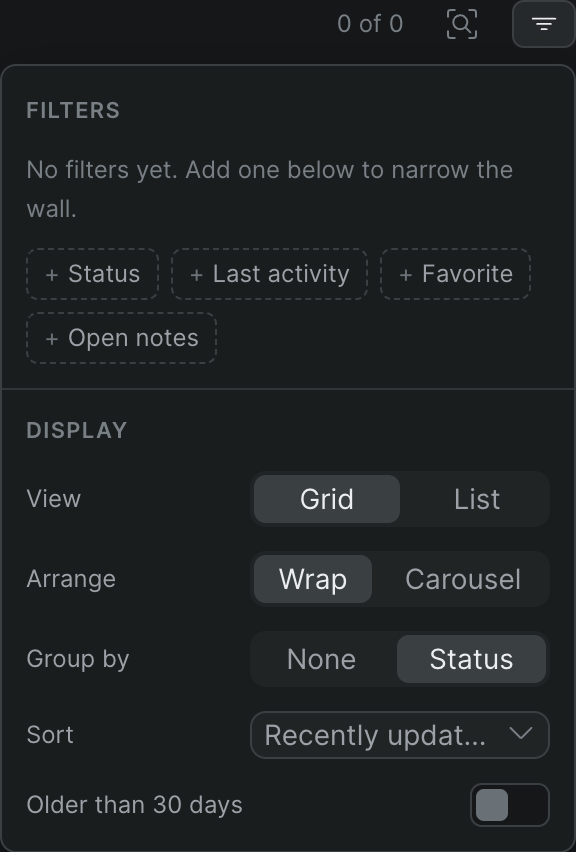
The project dashboard shows each project as a card with live presence — when people are cutting, their avatars appear on the card. Filter by status, favorites, or last activity; group by status; sort by recently updated.
A sidebar that follows you
Move between Recents, All Projects, and your Favorites from a sidebar that stays with you on every screen, and switch between multiple workspaces without signing out.
Members and roles in one place
A workspace holds your team. Assign workspace roles — Owner, Admin, Member, Guest — that decide who can create projects, manage the team, and control billing.
Workspace-level settings
Rename the workspace, change its URL, copy its ID, and manage members, usage, and billing from workspace settings — the account-level controls that apply to everyone on the team.
Set it up for how your team works#
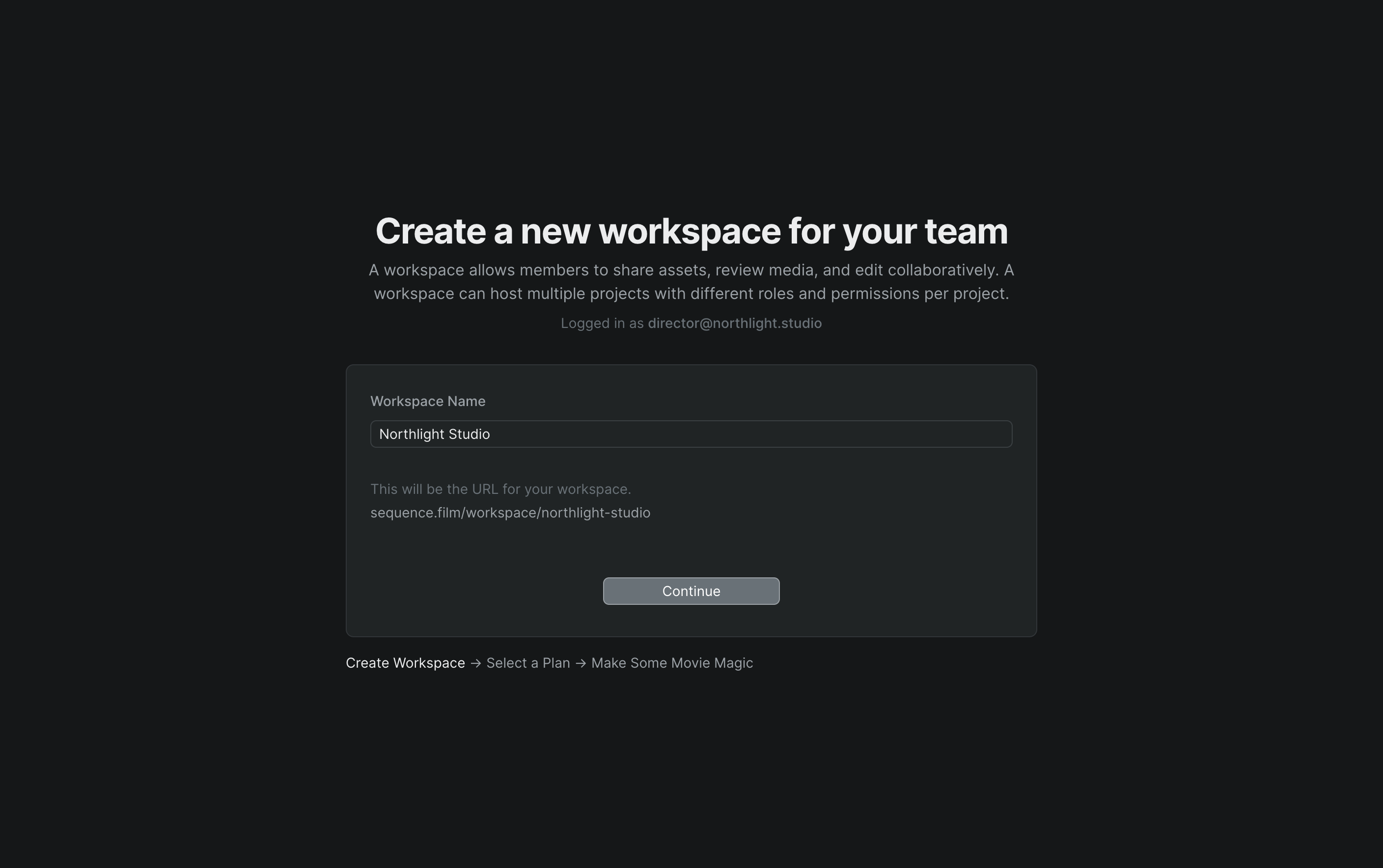
Name the workspace after your studio and Sequence builds its URL from the name; from there you invite your team and start creating projects.
Give each project a status — Planning, Active, and so on — and group the wall by status so the dashboard mirrors how a production actually moves. Star the projects you return to often and they stay in Favorites, one click away. For the full walkthrough, see Create and manage your projects.
Who it's for#
- Post supervisors standardizing a facility on one place for every active production
- Production companies juggling multiple projects who need one view of all of them
- Agencies keeping each client's work in its own workspace, with separate members and billing
- Distributed teams who need the current cut to live somewhere everyone can find it