Meet Snippy, your new agentic editor.
Snippy is an AI assistant editor you can give real work to. Snippy can watch the timeline, organize media, and make edits.
Delegate timeline setup to Snippy
Using the same collaboration that powers the Sequence Multiplayer Timeline, Snippy can work in parallel with your team.
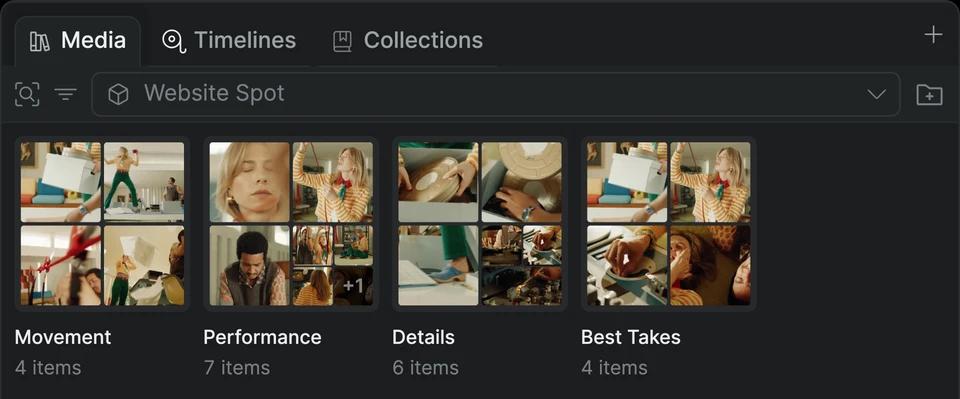
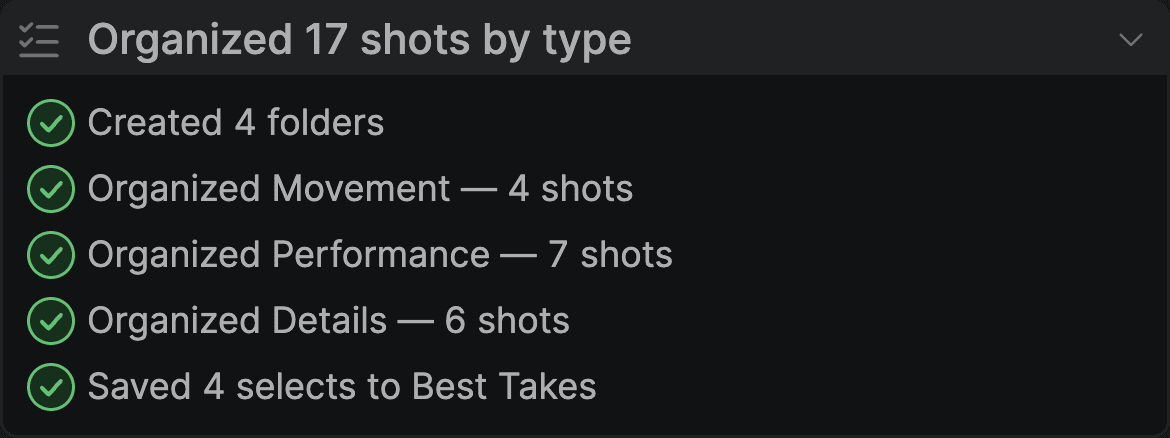
Organize footage
Ingest your dailies, organize them, and prepare a stringout with the heads and tails trimmed.
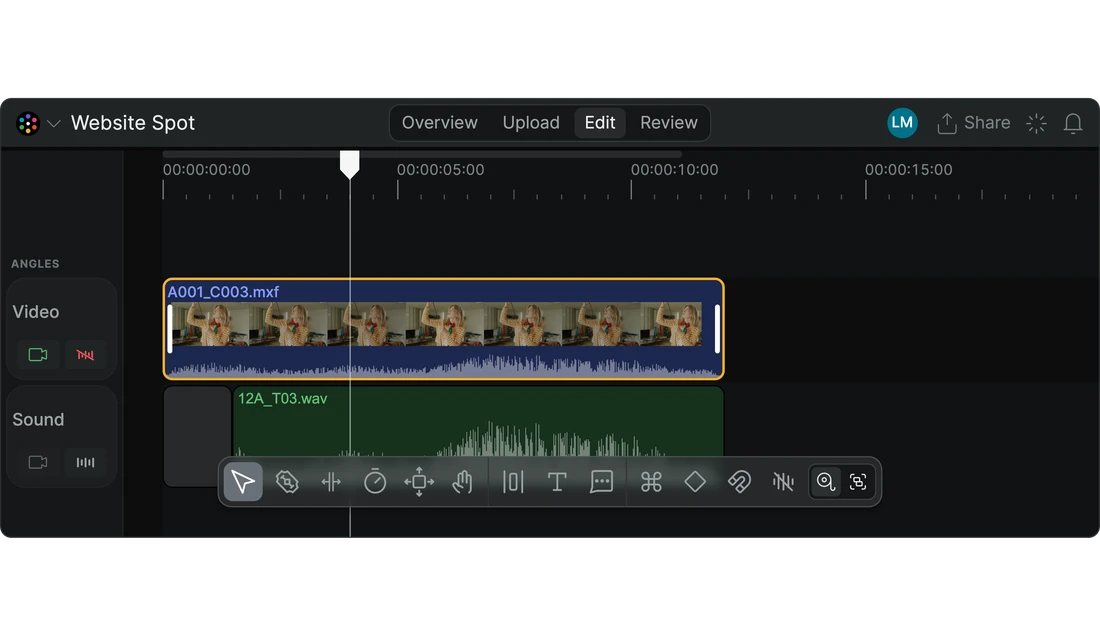
Sync picture and sound
Give Snippy the camera take and its audio recording. It lines them up in a multicam timeline so you can start cutting between angles.
The Comment tool marks a range on a timeline clip and posts the note “@Snippy cut to the film reel here, but keep the laugh underneath.” beside its amber timeline marker. Act on a review note
Tag Snippy on the frames you want to change, leave a comment, then Snippy will refine the edit for you.
Create your own effects
Ask for film grain or tape flutter. Snippy writes the code and gives you parameters you can adjust or keyframe.
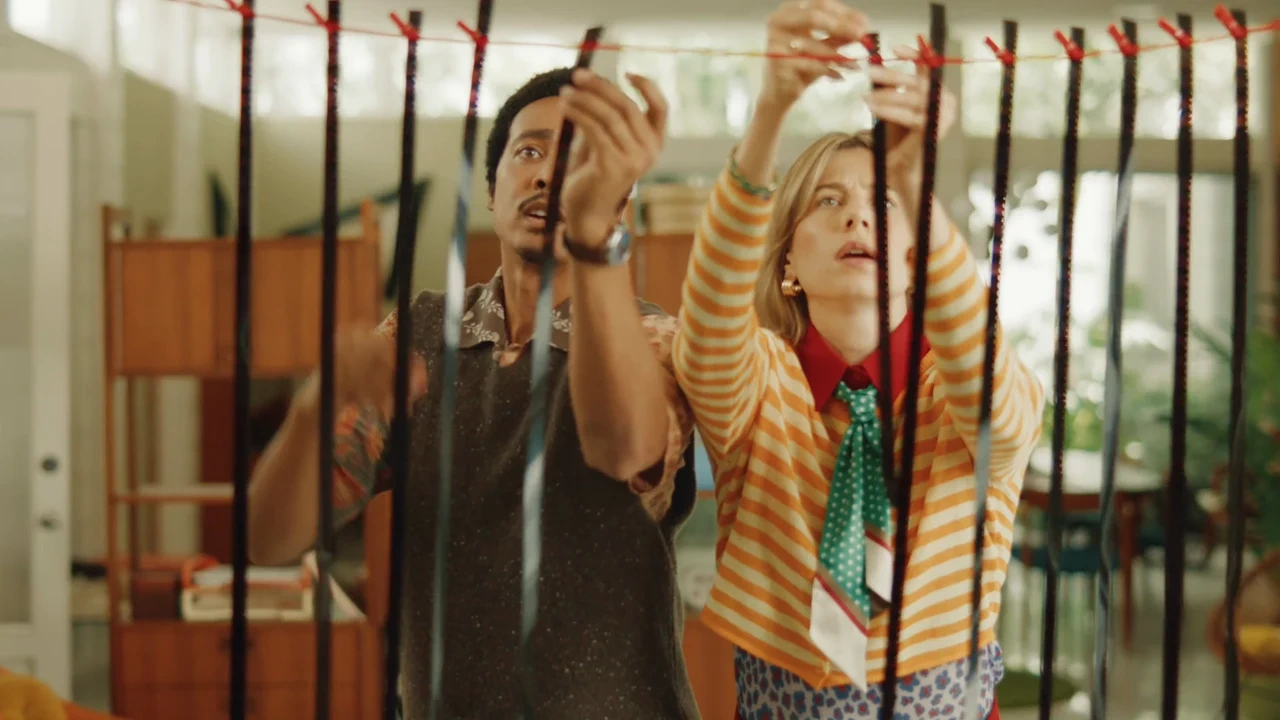
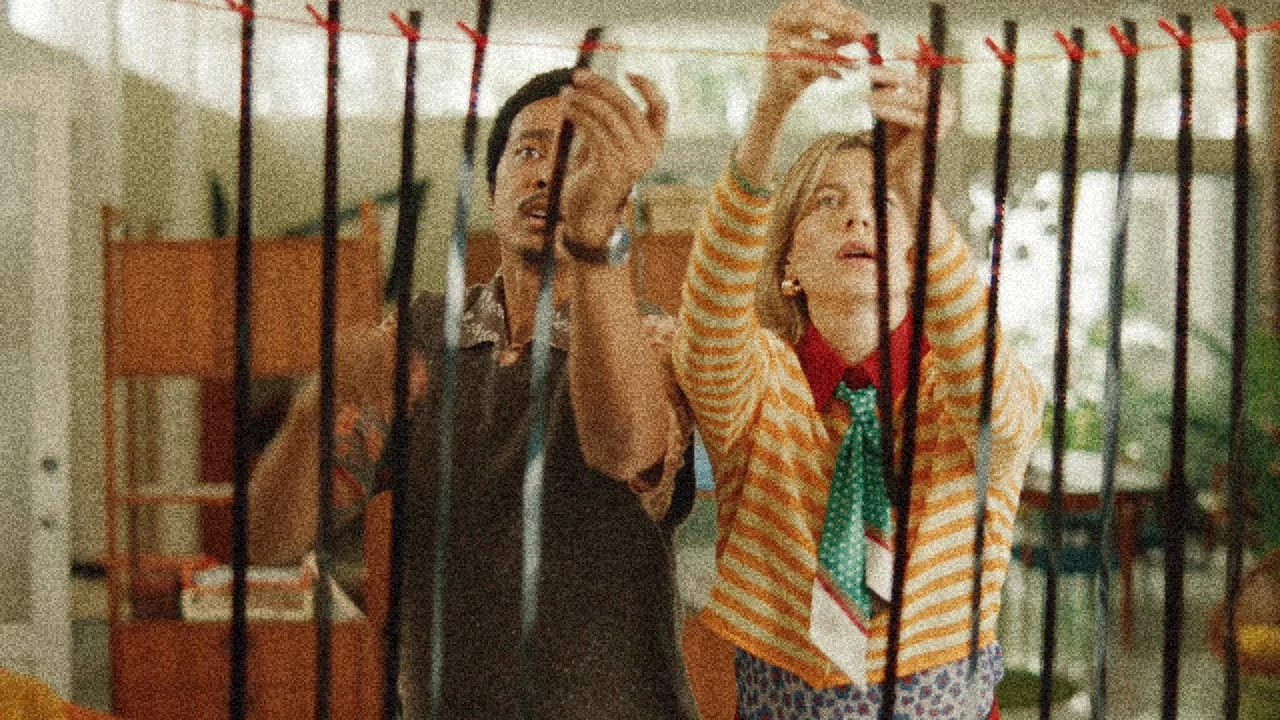
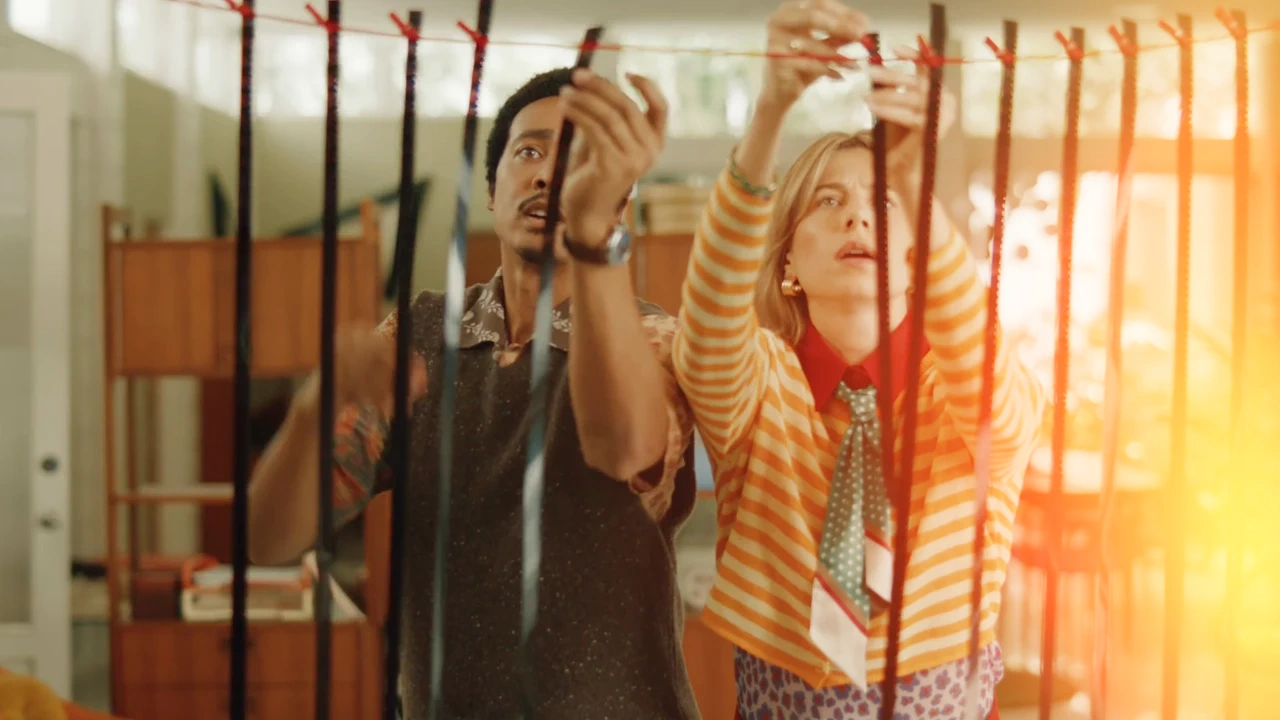
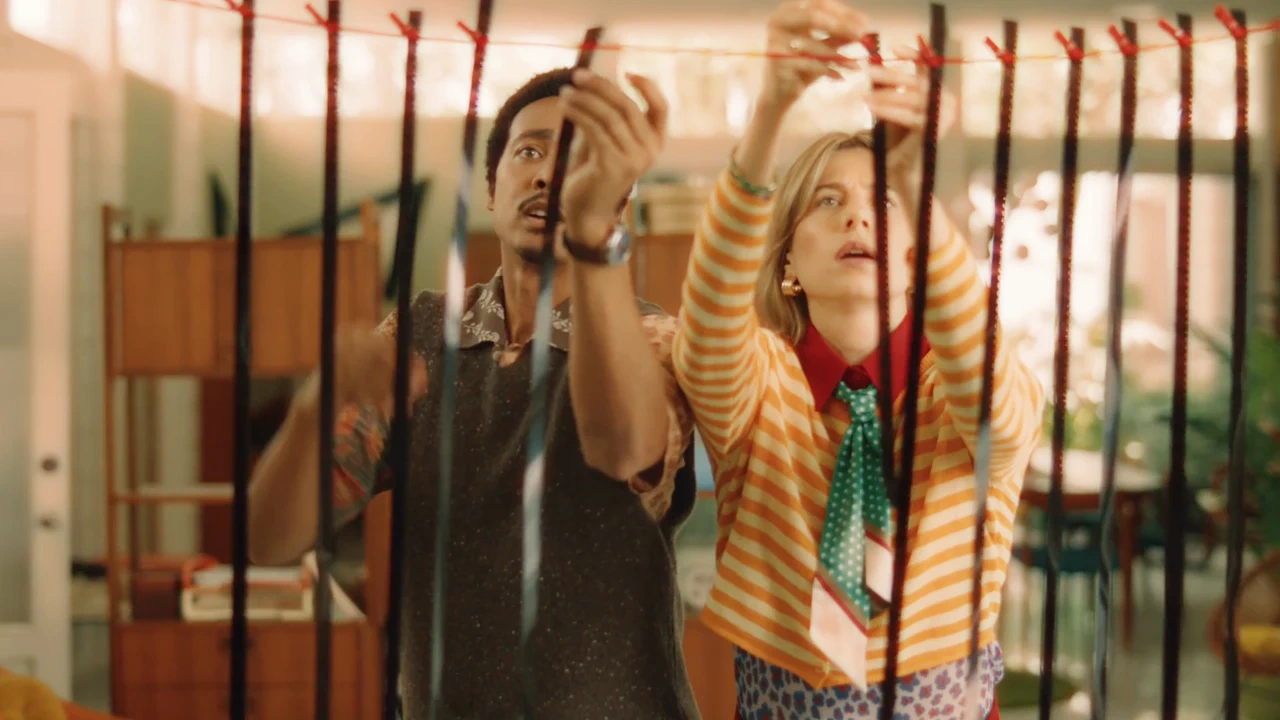
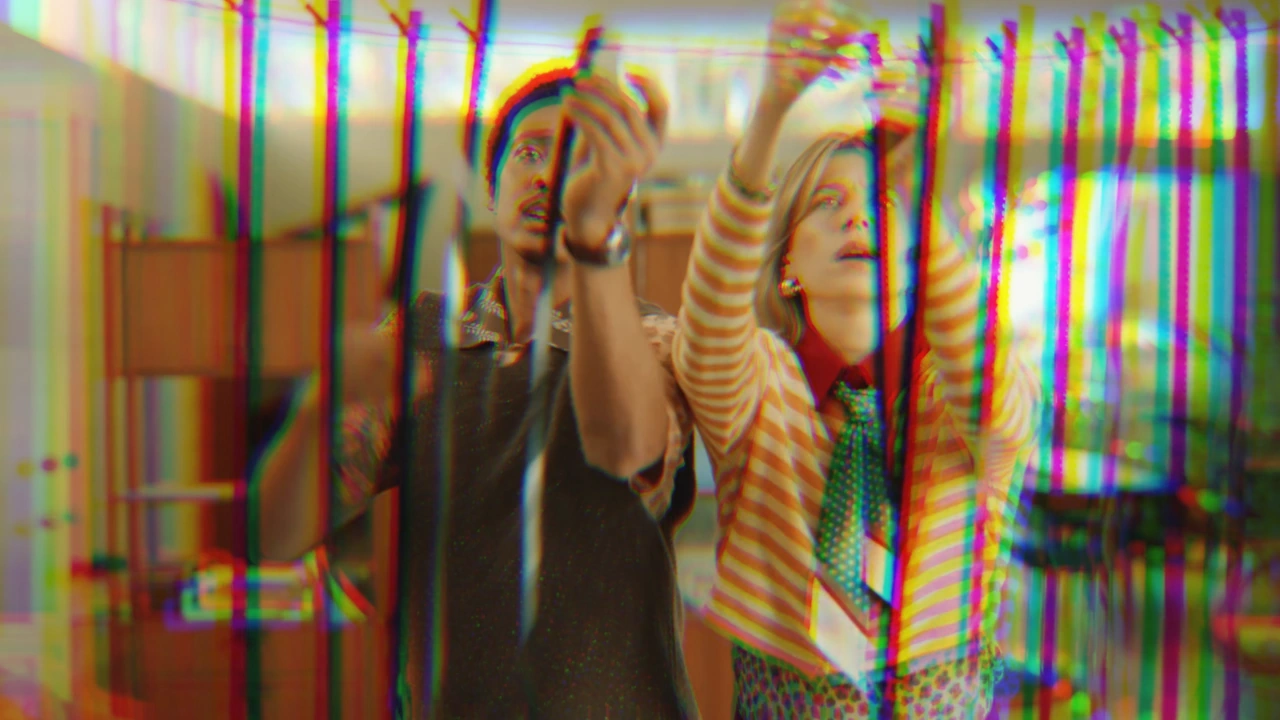
Grain preview selected.
Snippy guides
Questions about Snippy
What is an agentic editor?
Give Snippy an editing task in plain language and it carries out the steps in your Sequence project. For example, it can find the close-ups in a folder, mark selects, and place them together on a new timeline for you to review.
How do I tell Snippy which footage to use?
Type @ in your request to choose an asset, folder, select, or timeline. You can also point Snippy to a document or a comment when the direction comes from a script or a review note.
Can I keep editing while Snippy works?
Yes. Snippy runs tasks in the background. Open its panel to check progress or reply when a task needs your input. Your collaborators can see the clips, folders, and timelines it changes.
Can I change the edit Snippy makes?
Yes. Open the timeline to move a clip, replace a shot, or adjust a trim using the usual Sequence editing tools. You can also return to the conversation and ask Snippy for another pass.
Where do I find Snippy in Sequence?
In a workspace with Snippy enabled, open the Reel menu in the editor and choose Show Snippy Panel. Availability varies by workspace.
Snippy
Get straight to the takes.
Ask Snippy to build a stringout from your dailies. Open it in Sequence and mark your selects.
@Snippy cut to the film reel here, but keep the laugh underneath.