Documentary editorial is a different animal from scripted work. The ratios are enormous — hundreds of hours for a feature — and the structure isn't in a script; it's found in the edit, over months or sometimes years. That means two problems at once: getting a mountain of footage in and keeping it accessible, and restructuring the story again and again without losing the versions you're moving away from.
Sequence keeps the whole library in the cloud, so there's no local drive to fill and no media going offline mid-project. Spoken footage gets searchable transcripts, so you find a line by reading rather than scrubbing. And every state of the cut is kept in the project's history, so you can restructure freely and still get back to where you were.
When the cut is locked, it round-trips cleanly to Resolve for color and Pro Tools for the mix.
The workflow challenge#
Documentary post has its own demands:
- Huge footage libraries — hundreds of hours at high shooting ratios that overwhelm local storage
- Long ingest — footage arriving over the length of the shoot, all of which has to stay online and findable
- Finding the moment — the specific line or beat buried somewhere in the ratio
- Structure that keeps changing — assemblies torn down and rebuilt as the story emerges
- Distributed, long-running collaboration — directors and producers who need to see the evolving cut across a project that spans months or years
How Sequence fits#
The whole library in the cloud
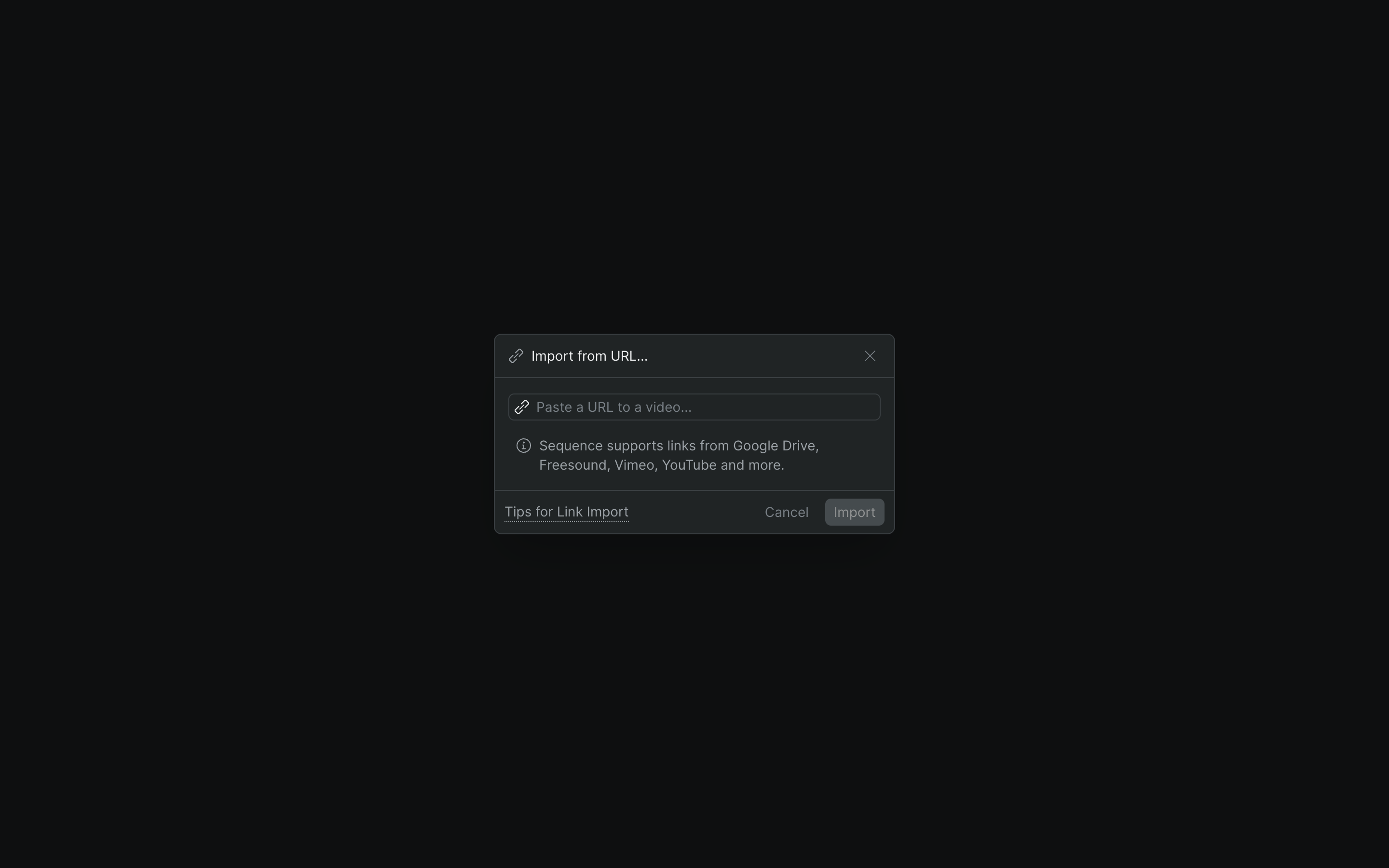
Upload footage as it comes in and Sequence processes each file into a playable clip in the background — no local storage ceiling, no media dropping offline months later. Drag files in, use the upload button, or import from a URL. See Add media to your project.
Find it by reading
Sequence auto-generates a searchable transcript of a clip's spoken audio, with detected speakers. Click a line to jump the playhead there, or search the text — so you find the moment instead of scrubbing hours to look for it.
Restructure without fear
The project keeps a shared, continuous history. Rebuild an assembly, try a different act order, and if it doesn't work, scrub back through Time Travel to an earlier state of the cut. Nothing you moved away from is lost.
Directors follow the cut
Send the current assembly as a screening whenever there's something to show. Directors and producers watch in the browser and leave time-coded notes on the screening — asynchronously, across time zones, over the life of the project.
Typical pipeline#
Ingest over the long haul
Field footage flows into Sequence across the shoot — whether that's weeks or years — and processes in the background as it lands. The library lives in the cloud, so there's no drive to run out of and nothing goes offline. See Add media to your project and Background jobs.
Log and select
Review footage and build selects. Auto-generated transcripts make dialogue and interviews searchable, and the whole team can work the same live project from any location to log together. See Edit together in real time.
Assemble and restructure
Build assemblies and rework the story as it emerges. The project's shared history lets you push a structure hard and still return to an earlier version through Time Travel.
Fine cut and deliver
Refine the cut against director notes arriving via screenings. When it locks, generate a timeline package and round-trip to Resolve for color or Pro Tools for sound with Shuttle; export via OTIO or AAF.
Who it's for#
- Documentary editors managing enormous footage libraries
- Directors and producers who need ongoing visibility into the evolving cut
- Production companies running multi-year projects
- Small teams who need serious media management without standing up their own infrastructure
[Customer story — TODO: real reference needed]
Space reserved for a named documentary reference. No ratio or turnaround claim goes here until it comes from a real customer.