Audio
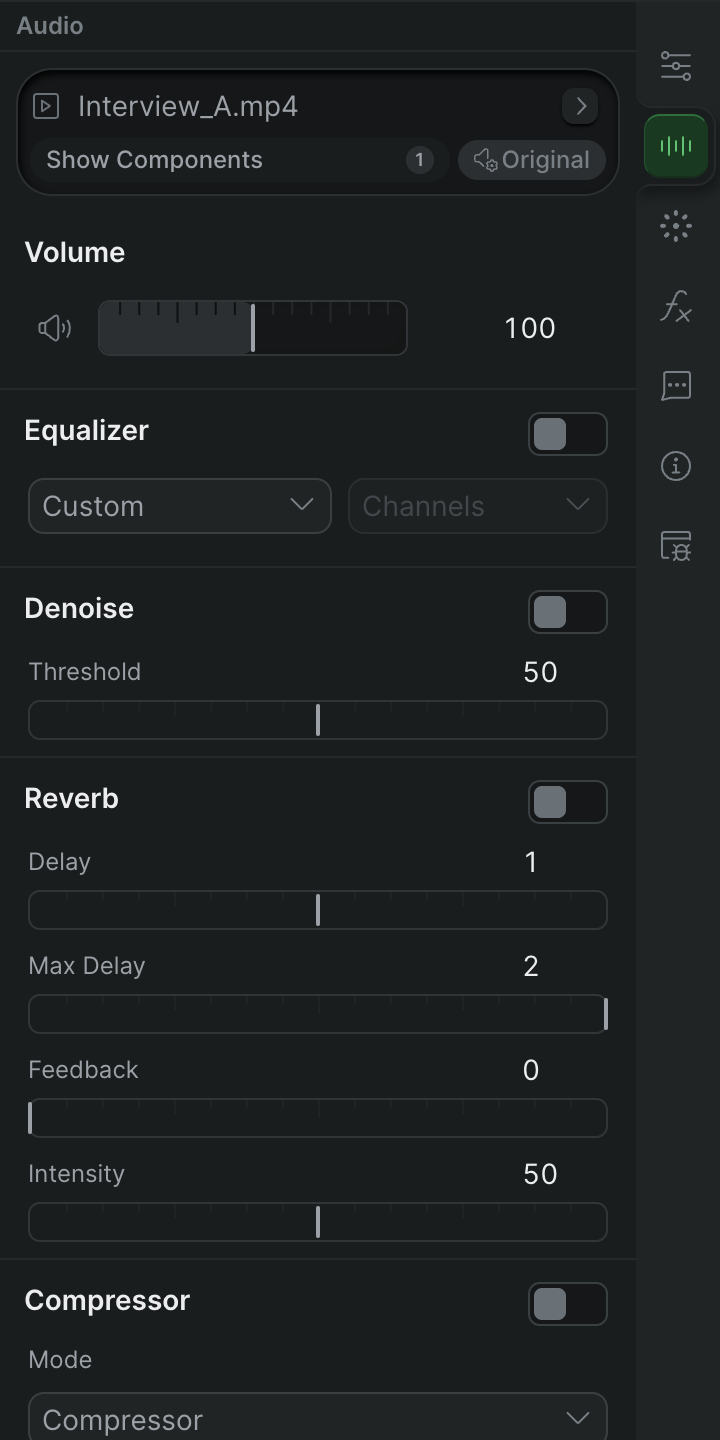
Set levels, shape the mix with EQ and effects, and monitor your audio.
Adjust levels
Organize and route
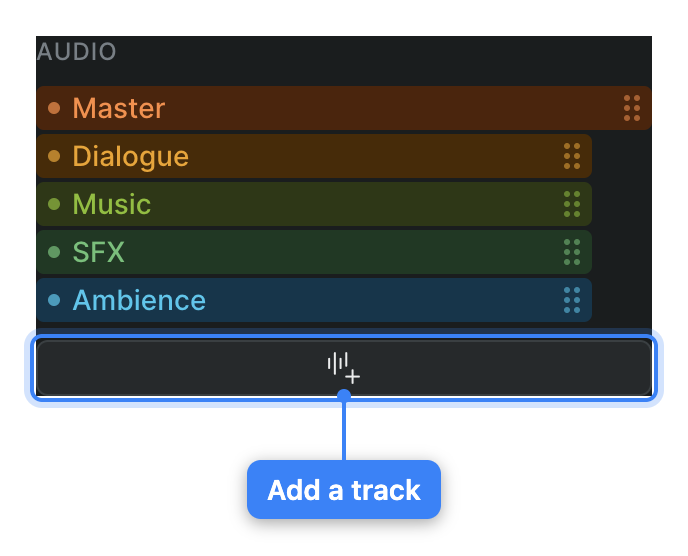
Audio components and Track view
Switch the timeline to Track view to see a clip's individual audio components, turn them on or off, assign each to a component track, and manage those tracks.
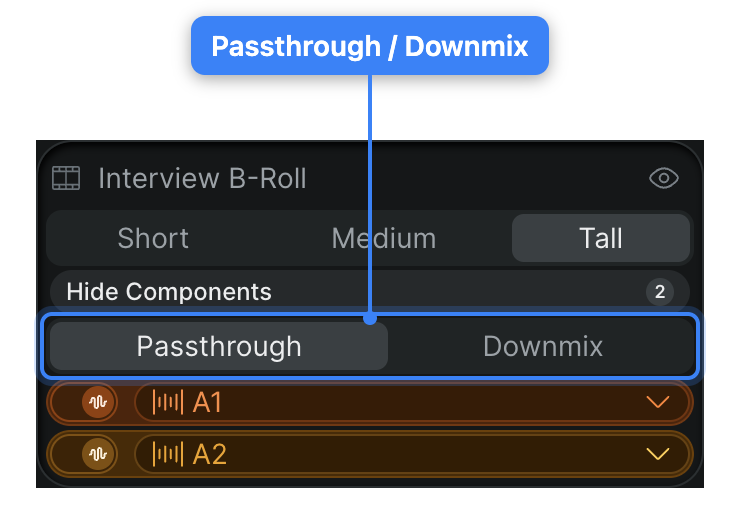
Passthrough and downmix for nested audio
Choose how a nested timeline's or multicam clip's audio components are treated in the parent timeline — passed through individually, or downmixed to the timeline's output format.
Shape the sound
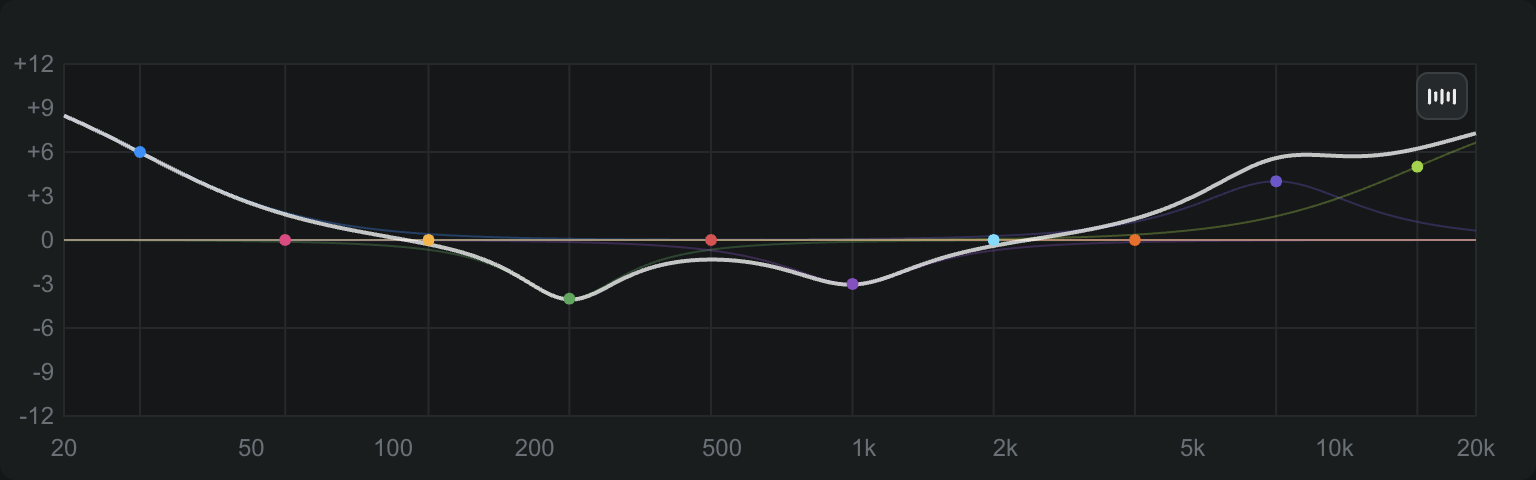
Audio EQ and channel mapping
Reference for the Equalizer and channel-routing controls in Sequence's audio inspector, including EQ bands, presets, and the routing matrix.
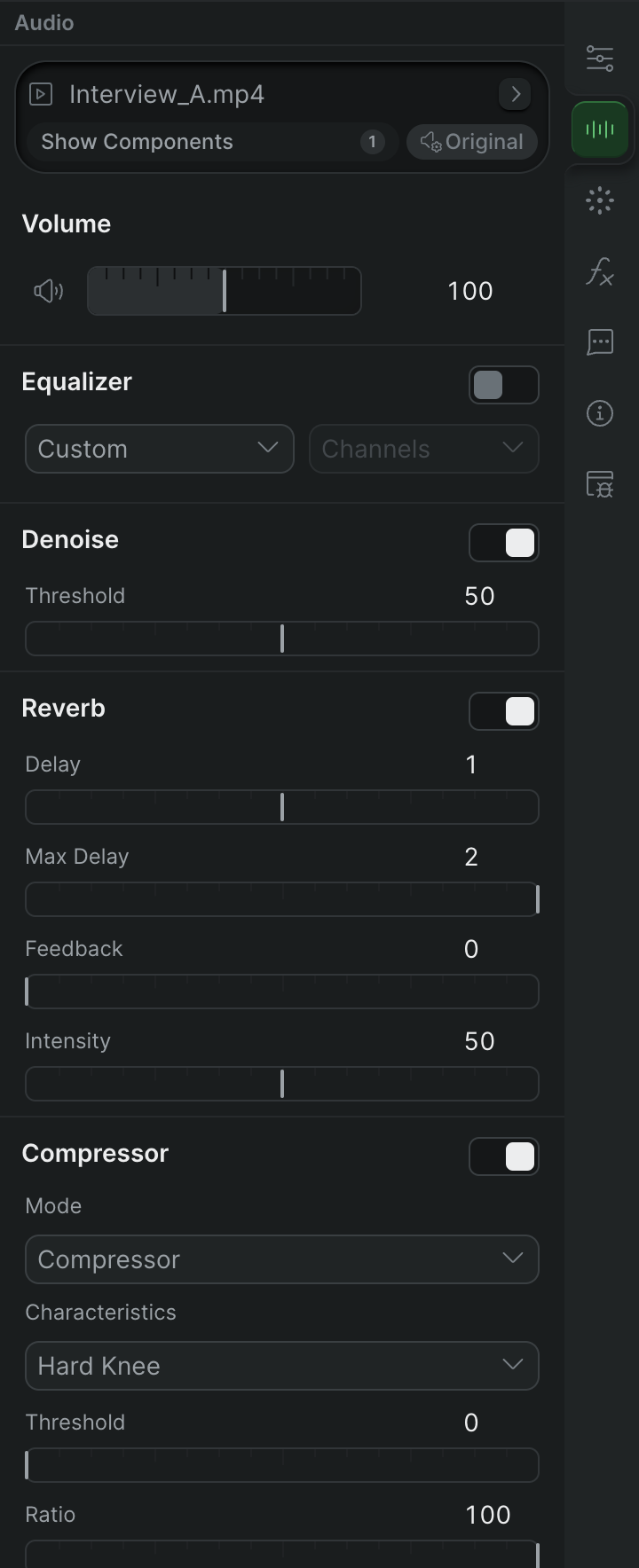
Audio effects
Reference for Sequence's built-in audio effects — Denoise, Reverb, Compressor, and Loudness — and every control in each module.