Exporting
Get your work out of Sequence — as rendered video files, portable timeline packages for other editors, or downloadable library assets.
Export video
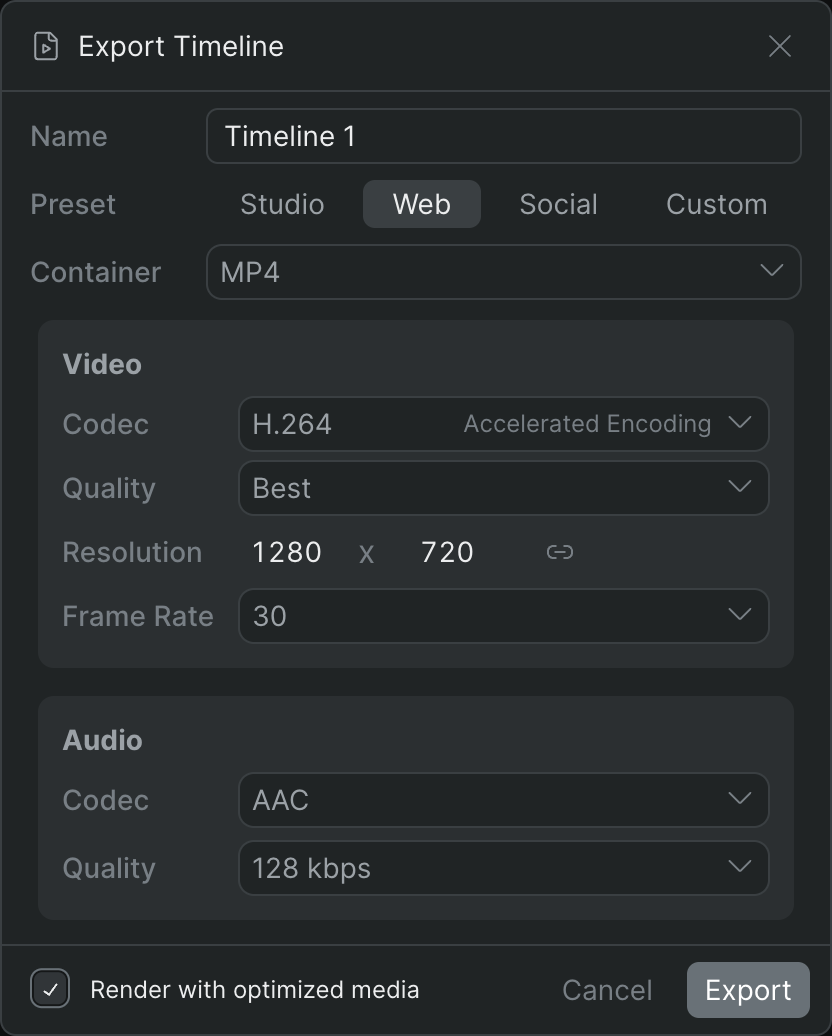
Render a timeline to a video file with your choice of format, codec, quality, resolution, and frame rate.
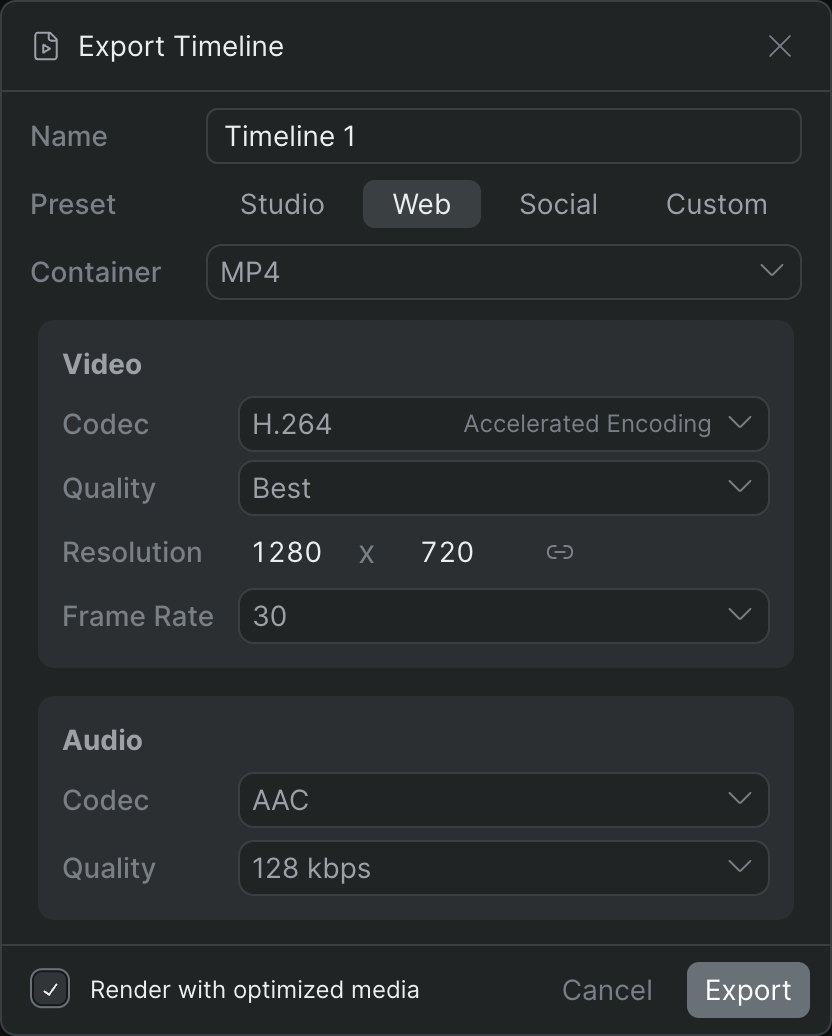
Every control in the Export Timeline dialog — presets, container, video and audio codecs, quality, resolution, and frame rate.
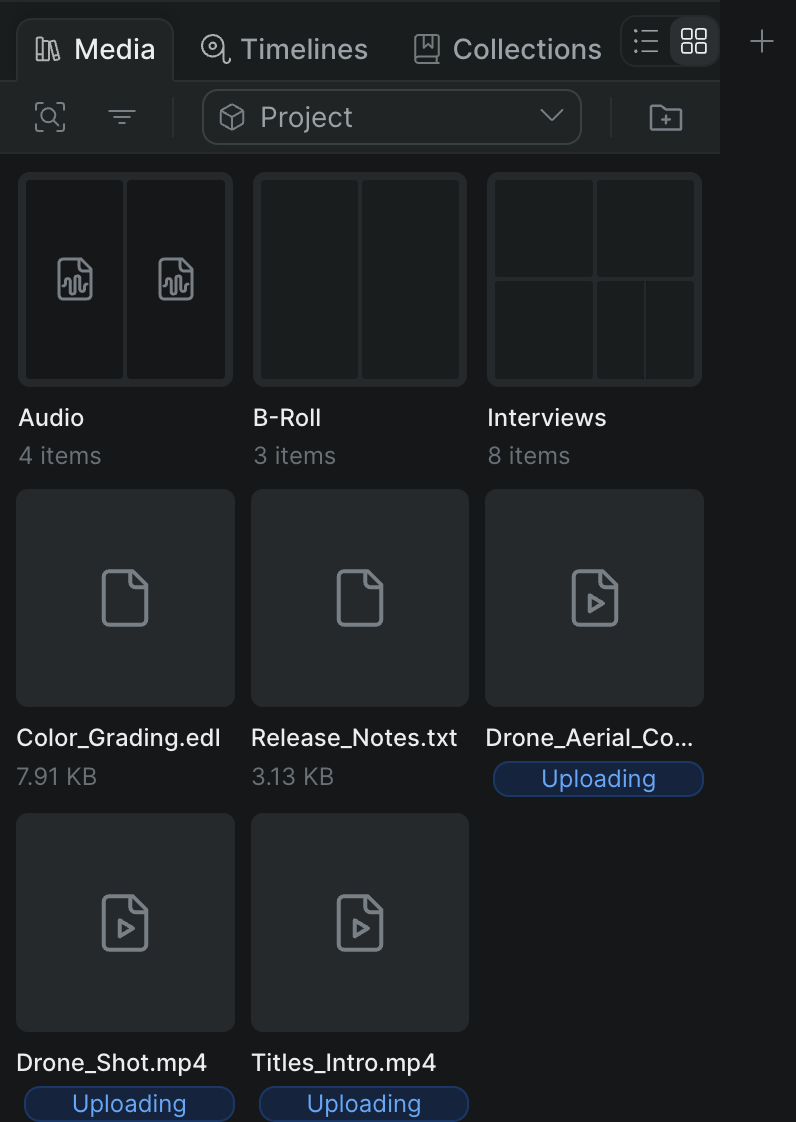
Download any file from your Sequence project library to your device.
Interchange and conform
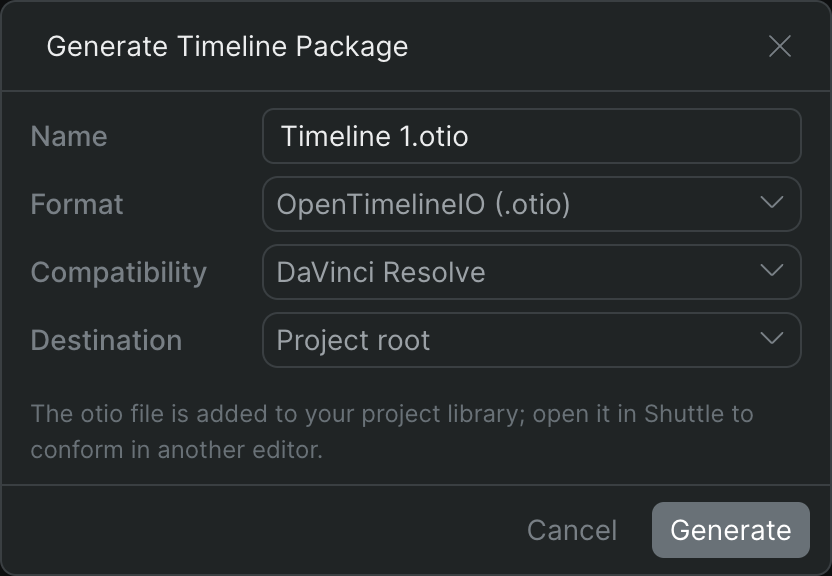
Take a Sequence timeline into another editor as an OpenTimelineIO, AAF, or Final Cut Pro 7 XML interchange file.
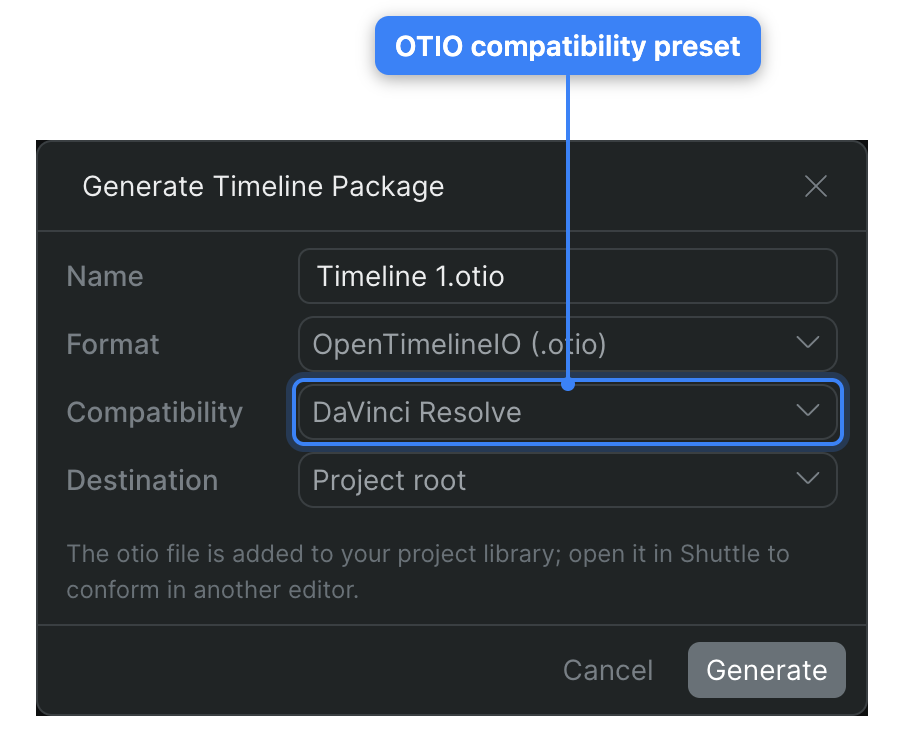
Generate an OpenTimelineIO package to open a Sequence timeline in DaVinci Resolve, Premiere Pro, or another OTIO-aware editor.
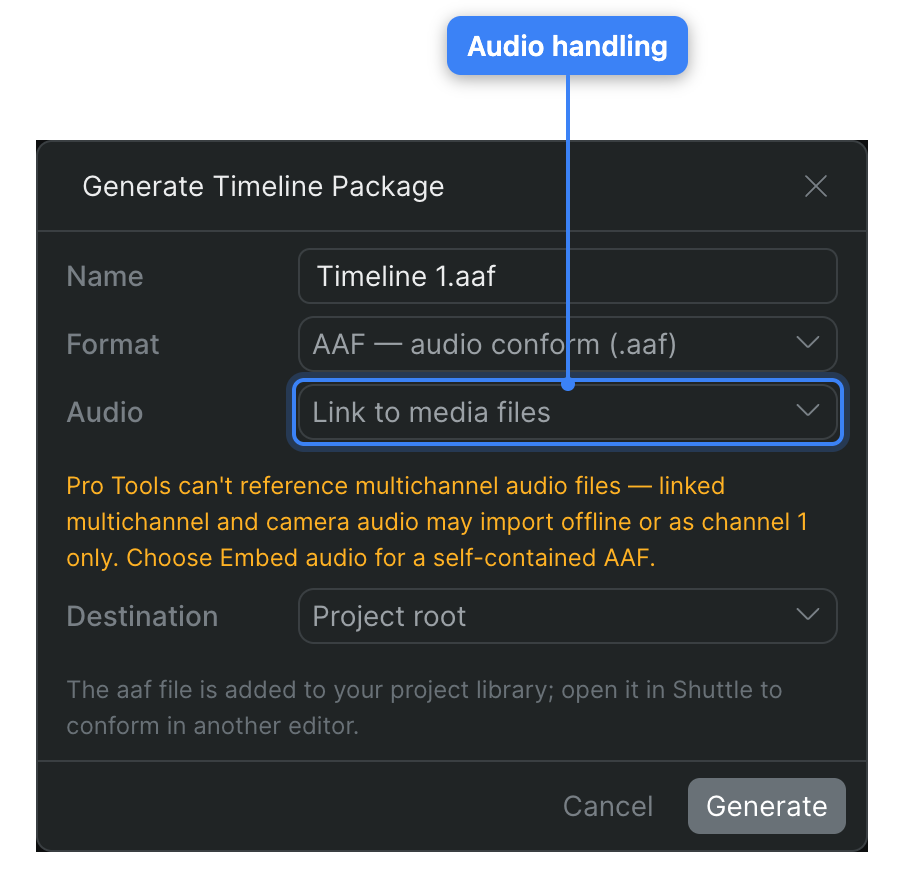
Generate an AAF timeline package to conform a Sequence timeline's audio in Pro Tools or Avid Media Composer.
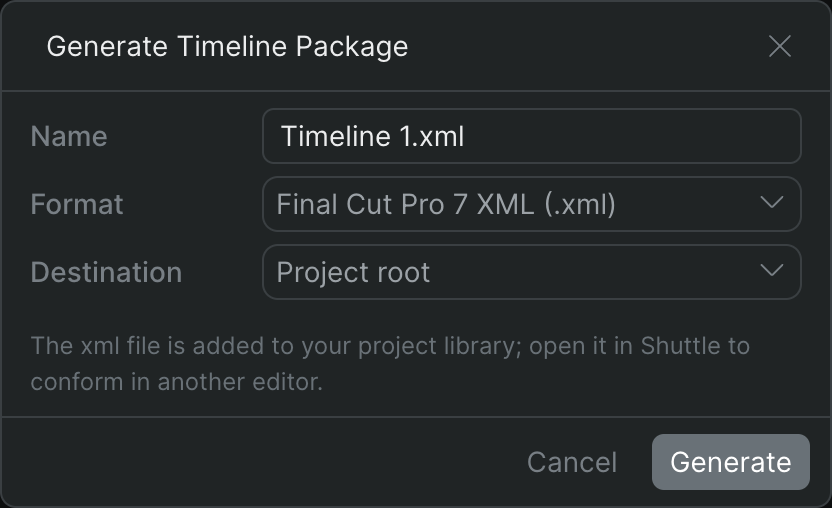
Generate a Final Cut Pro 7 XML (XMEML) timeline package to open a Sequence timeline in Resolve, Premiere Pro, or Media Composer.