Sequence includes four built-in audio effects — Denoise, Reverb, Compressor, and Loudness — that appear as modules in the inspector's audio controls. You can also bring your own audio effect into the project and apply it to any clip that carries sound; see Create a custom effect with Snippy. The built-in modules appear whenever you select a clip or audio component that carries sound. Each module sits below the Volume and Equalizer controls, in the order listed here. For how to open and read the inspector, see Inspector Panel.
Each effect is off until you turn it on. Every module has a toggle switch in its header (its tooltip reads Toggle denoise on/off, Toggle reverb on/off, and so on); switch it on to apply the effect, and off to bypass it without losing your settings. The controls below stay visible either way, so you can dial in values before or after enabling the effect.
Note
Effect settings are a project change, saved with the clip and visible to your collaborators. See Detach and adjust clip audio.
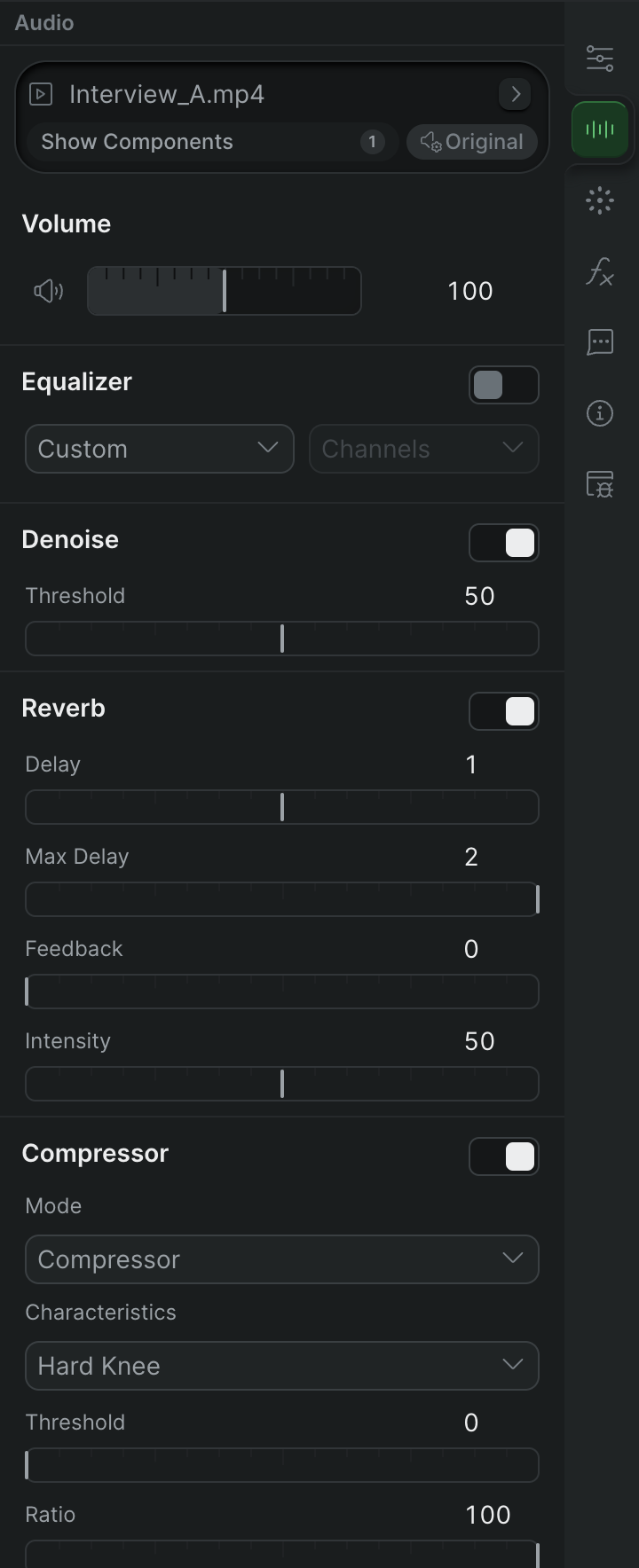
Denoise#
Denoise reduces steady background noise — hiss, hum, air conditioning — from a clip's audio.
Denoise controls
Reverb#
Reverb adds echo and a sense of space to a clip, layering delayed repeats of the sound over the original.
Reverb controls
Compressor#
Compressor evens out a clip's dynamic range — the gap between its quietest and loudest moments — so levels sit more consistently in the mix.
Compressor controls
Loudness#
Loudness normalizes a clip toward a target integrated loudness in LUFS, so clips play back at a consistent, standards-friendly level.