Workspace
Set up your workspace, invite your team, manage roles and billing, and configure your projects.
Your workspace
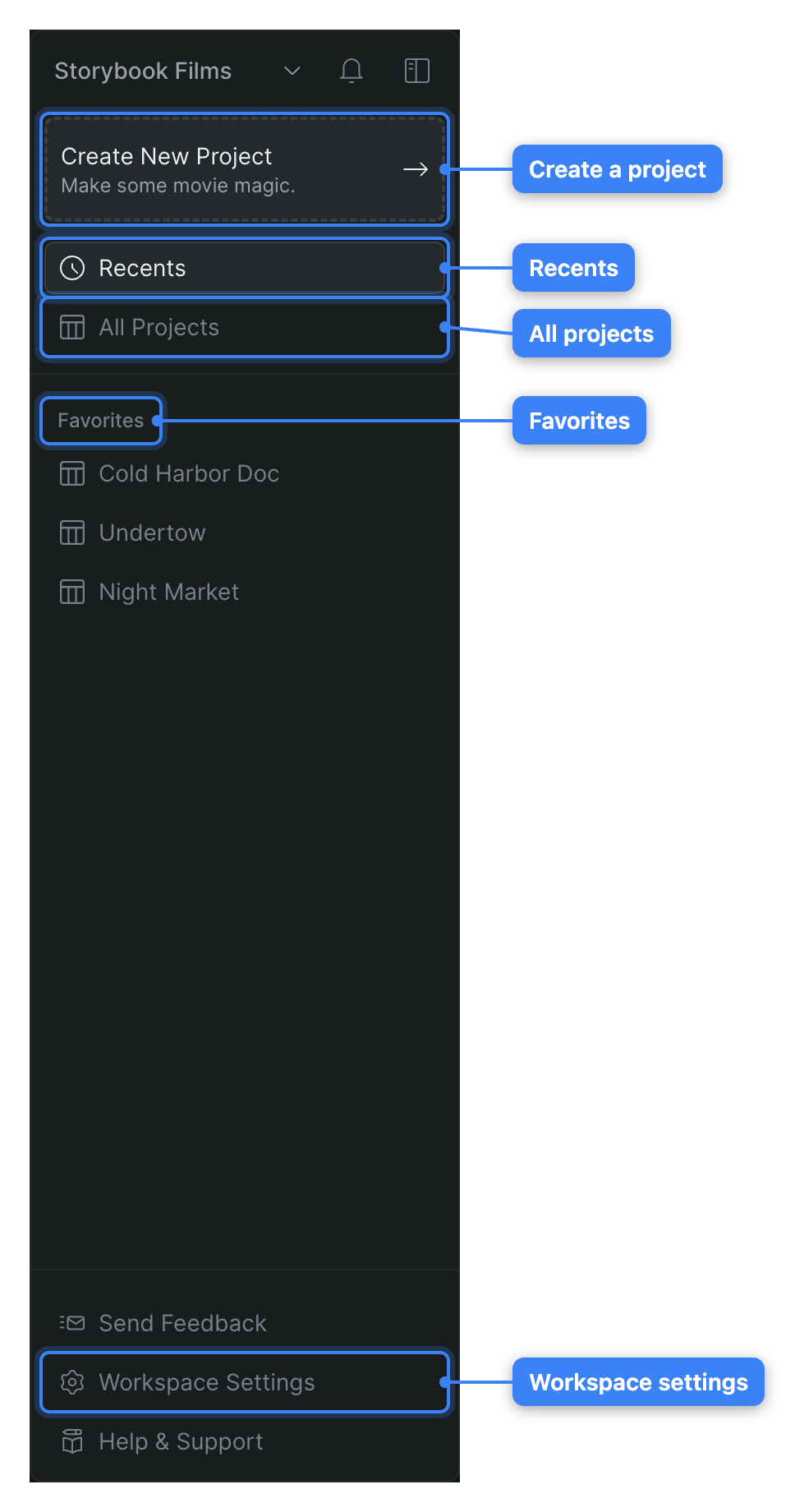
Use the workspace sidebar to move between Recents, All Projects, your favorites, and workspace settings — and to switch or create workspaces.
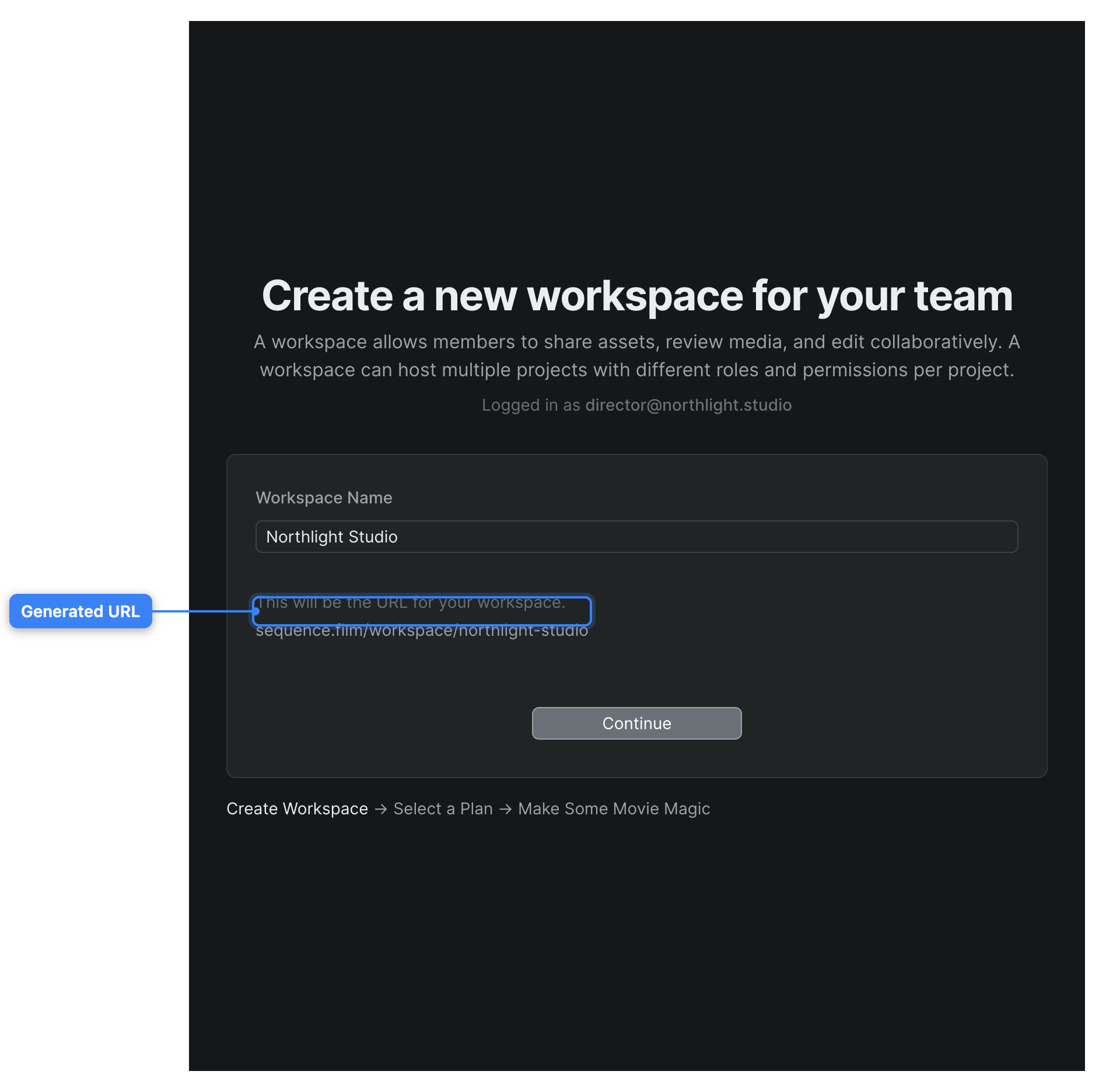
Create a new workspace to hold your team's projects, media, and members — and become its Owner.
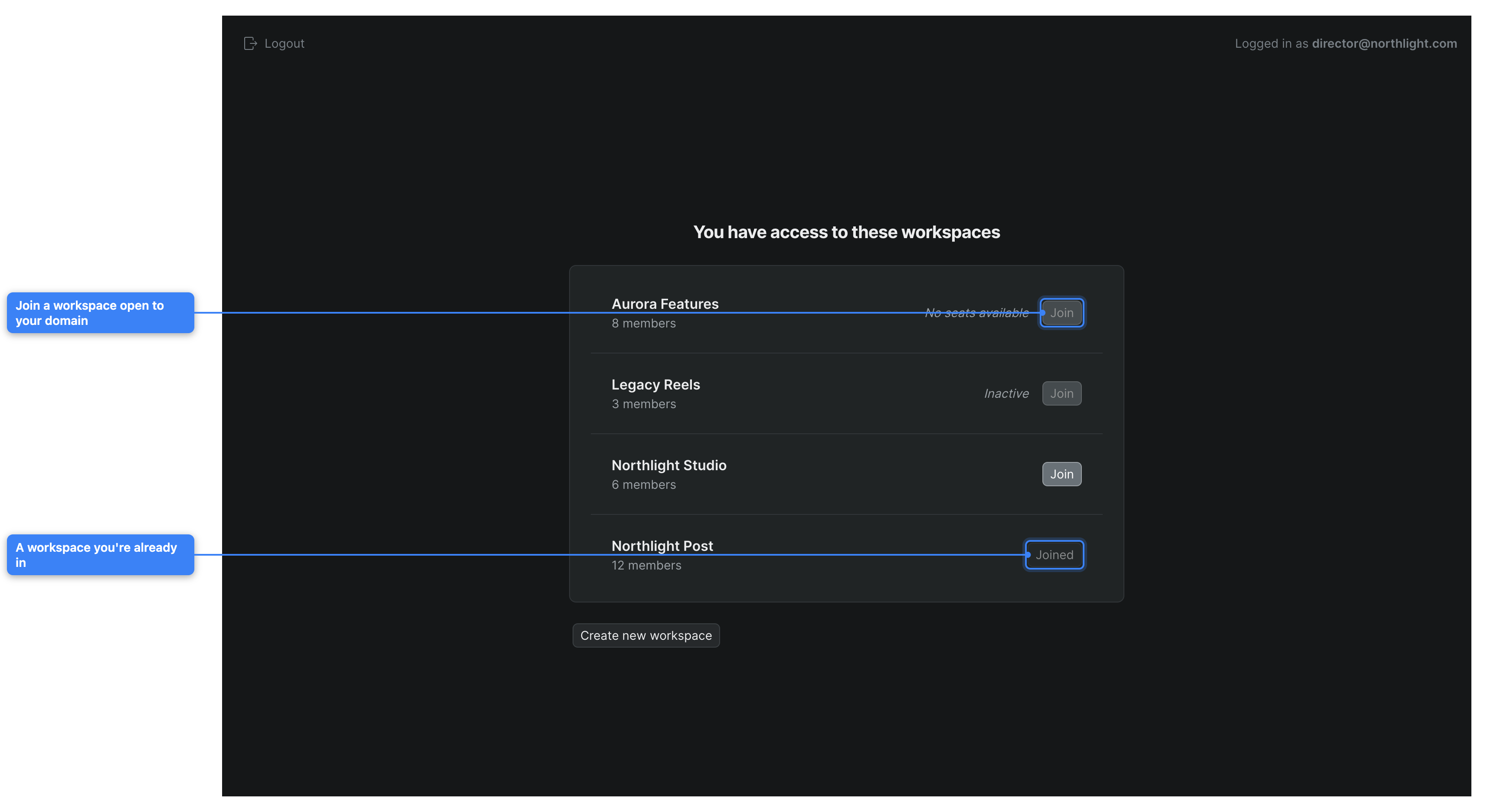
Join an existing Sequence workspace by accepting an email invitation or self-joining through an allowed email domain.
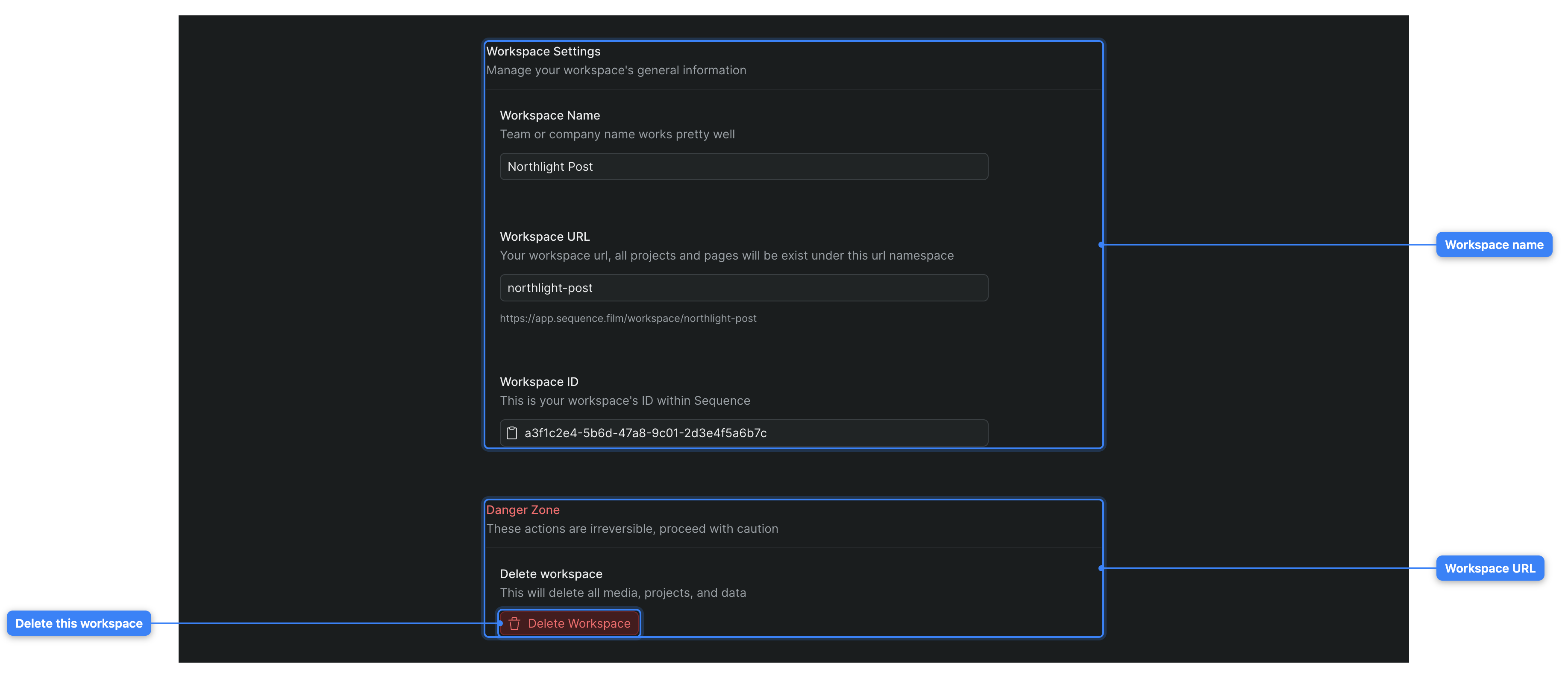
Rename your workspace, change its URL, copy its ID, and delete it from the workspace General settings screen.
Members, roles, and billing
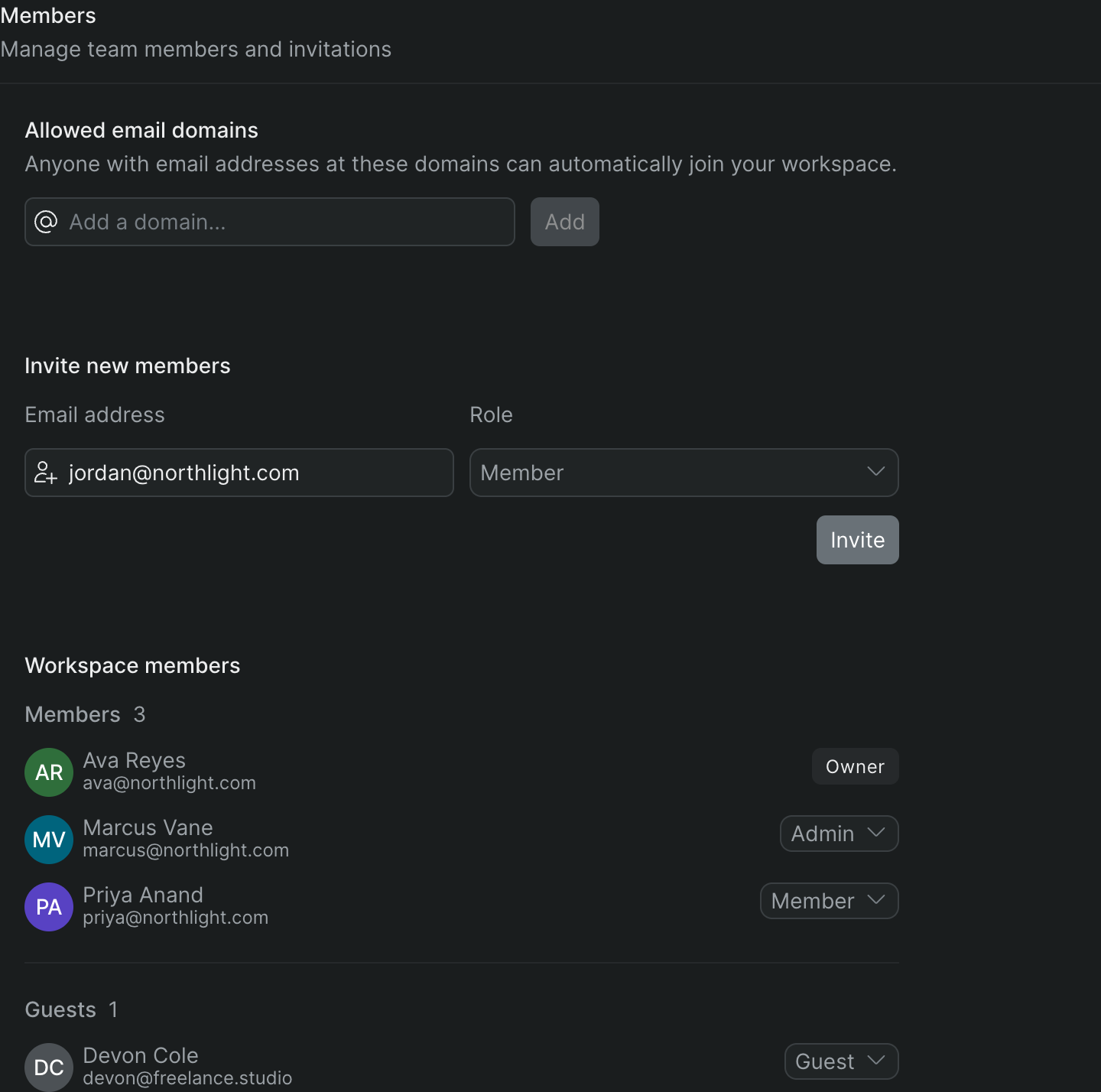
Invite people to your workspace and assign a workspace role, or add someone to a single project as a collaborator with a project role — and see how the two connect.
What workspace Owners, Admins, Members, and Guests can each do, and how workspace roles differ from project roles.
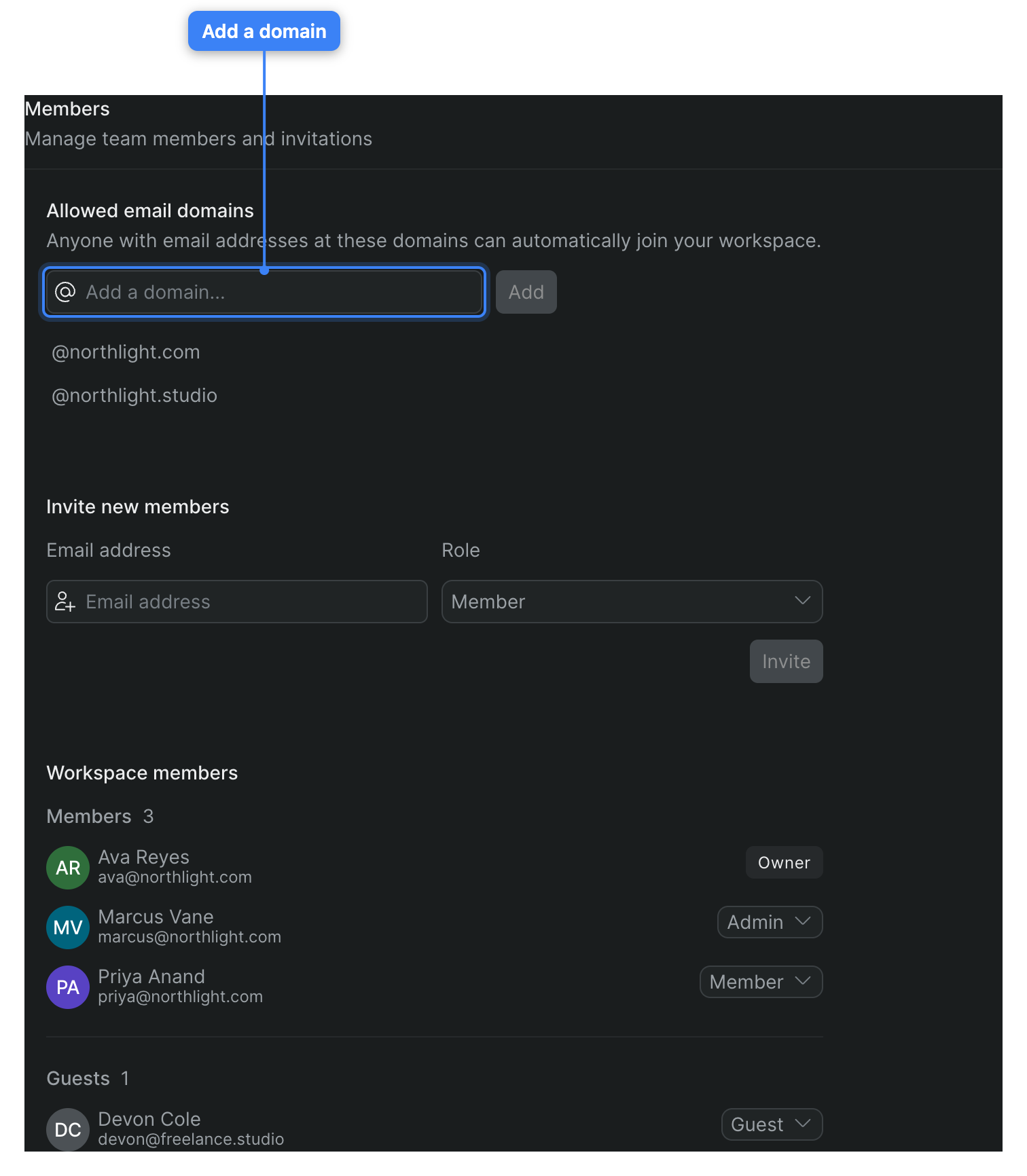
Add approved company email domains so people at your organization can join your Sequence workspace without an individual invite.

Choose a workspace plan, manage your subscription in the Stripe portal, and understand how seats and storage usage work.
Manage projects
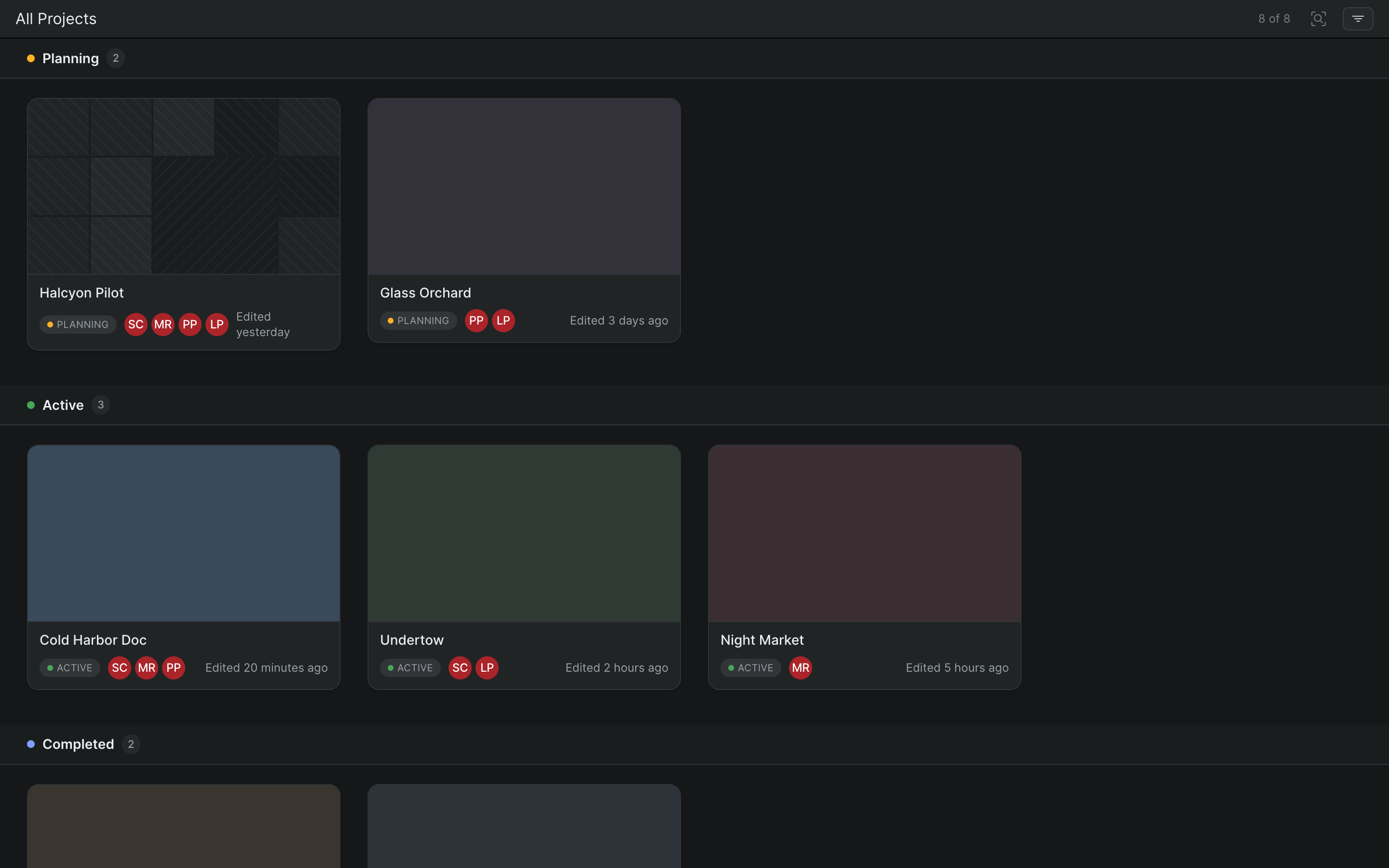
Open, create, rename, organize, and delete projects from the wall of project cards in your Sequence workspace.
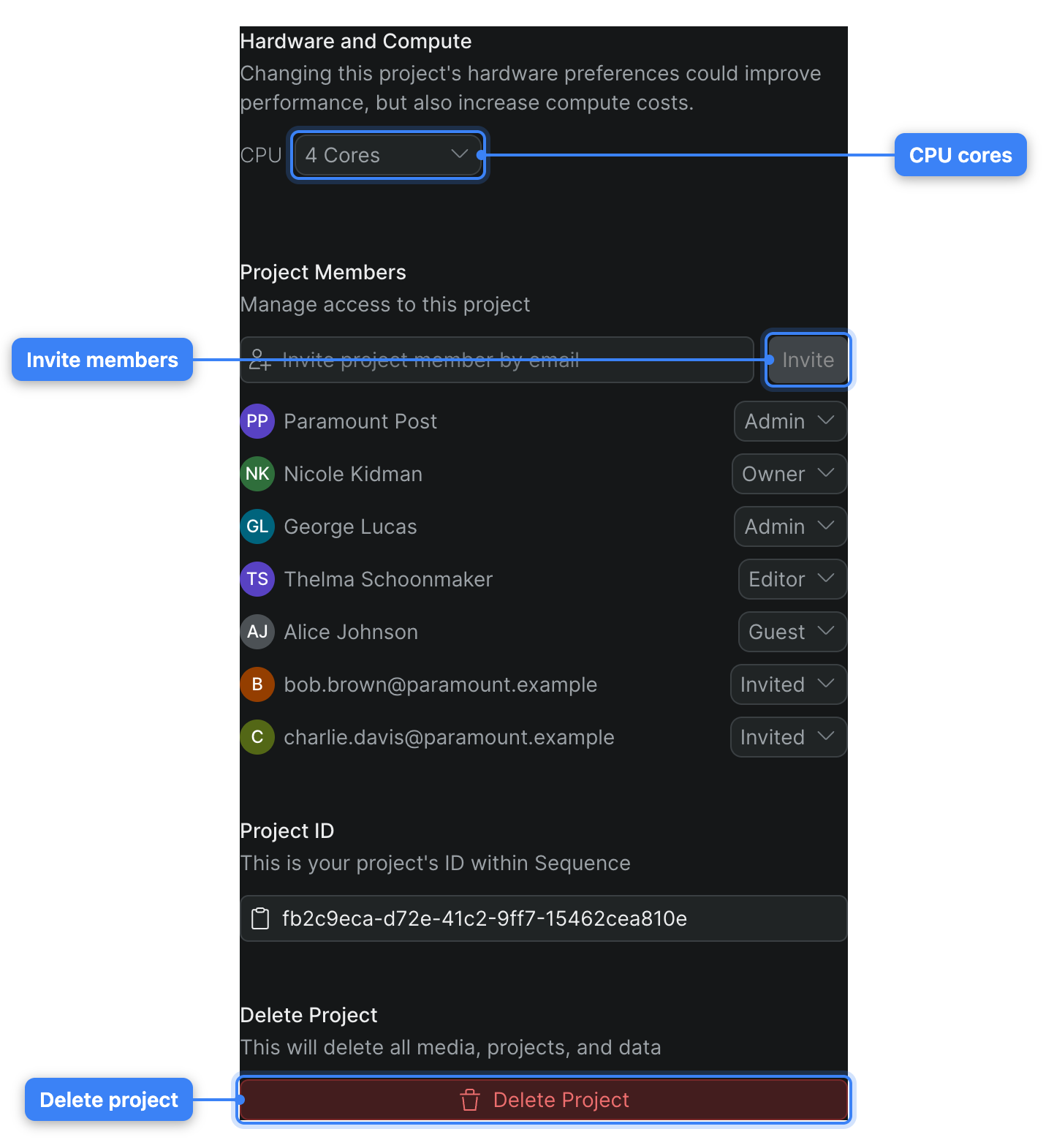
Tune a project's compute, manage its members, copy its ID, and delete it from the project Settings page.
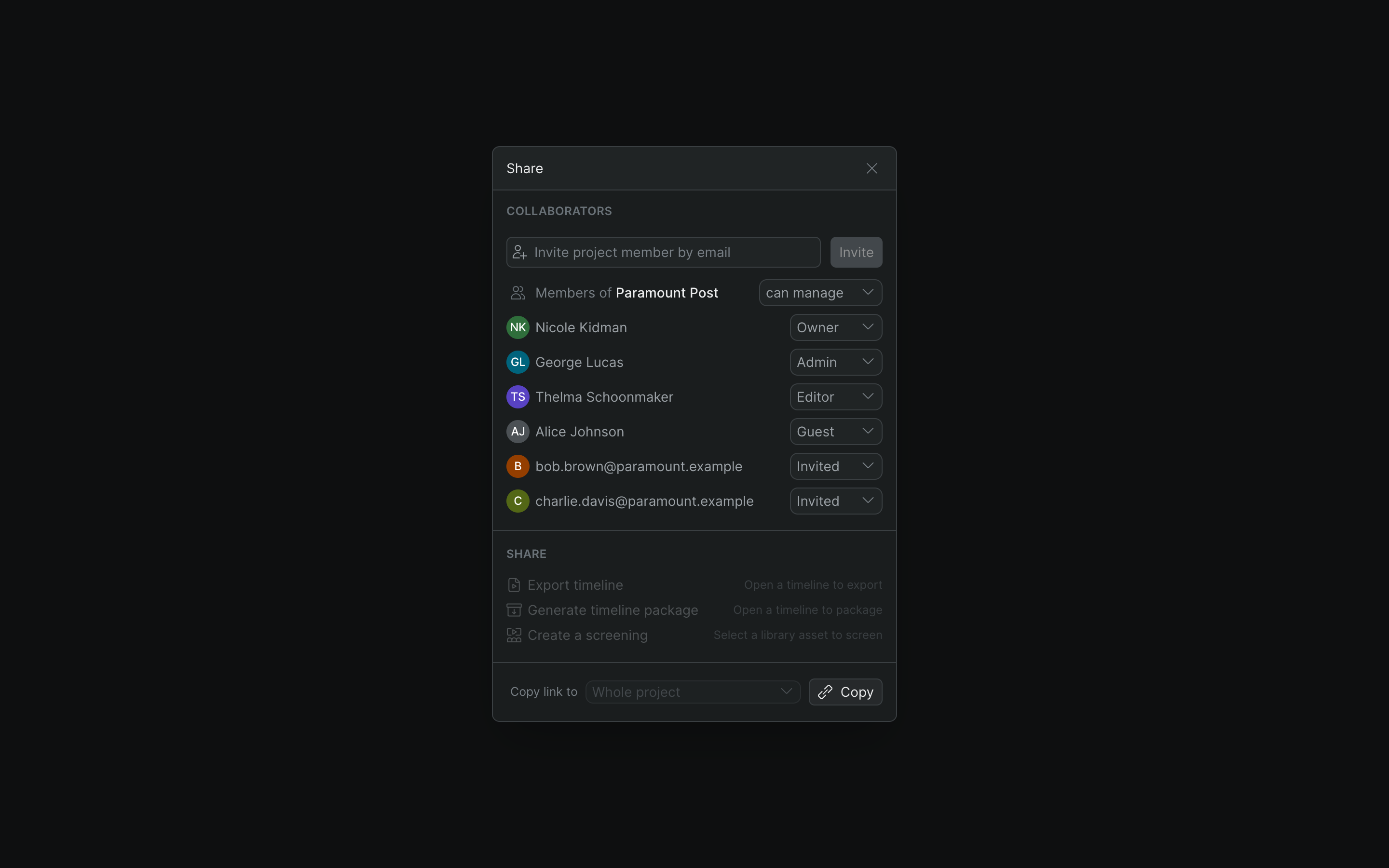
Quick-launch an export, a timeline package, or a screening, or copy a link to the project, a timeline, or a selection — all from the Share button.