You can download any asset in your project library to your device — including source clips and rendered timeline exports.
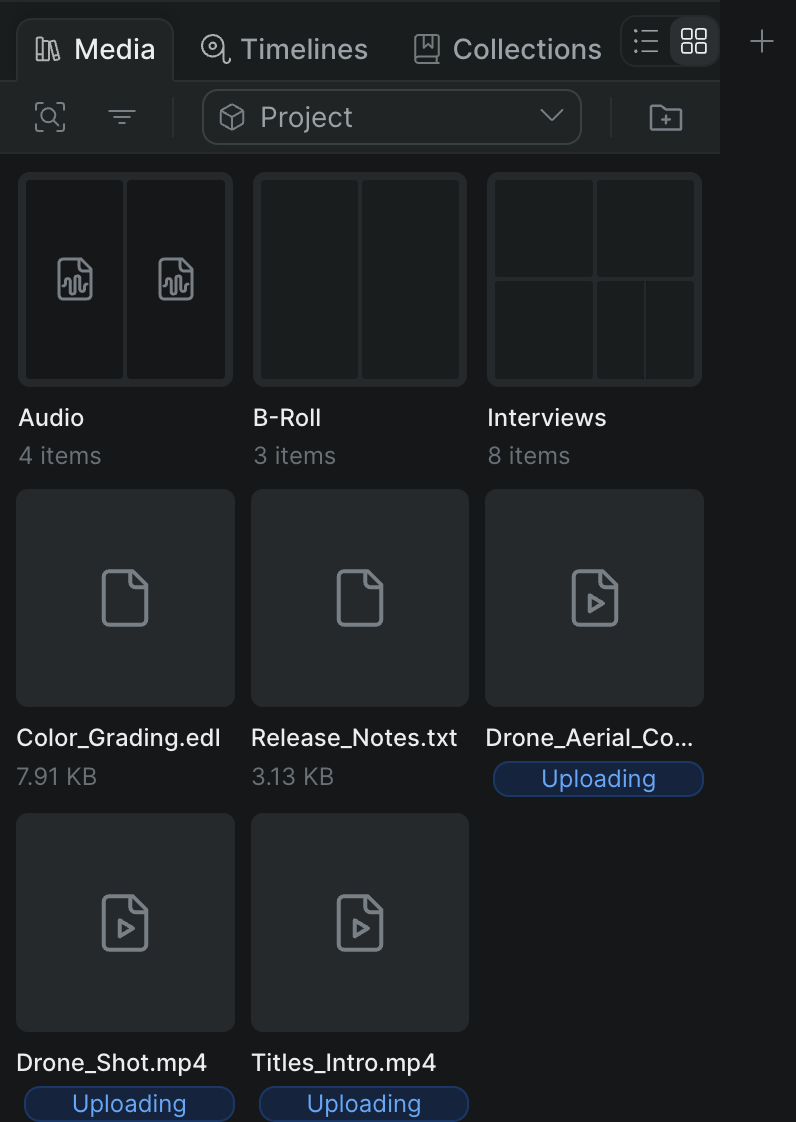
- In Sequence, find the asset in the library.
- Right-click the asset and choose Download.
Sequence downloads the file to your device.
Tip: Rendered exports land in the Exports folder at the top of the library. See Export a timeline to video.
Note: Timeline packages (OTIO, AAF, and FCP 7 XML files) are library documents rather than assets, so they open in Shuttle instead of downloading directly. See Conform with Shuttle.