Every editor knows the wait. Dailies land, and before anyone can cut, the footage has to be transcoded to a mezzanine or a proxy, checked, and relinked. The assistant babysits a transcode queue while the editor sits idle. On a distributed team, that wait multiplies across every drive and every location.
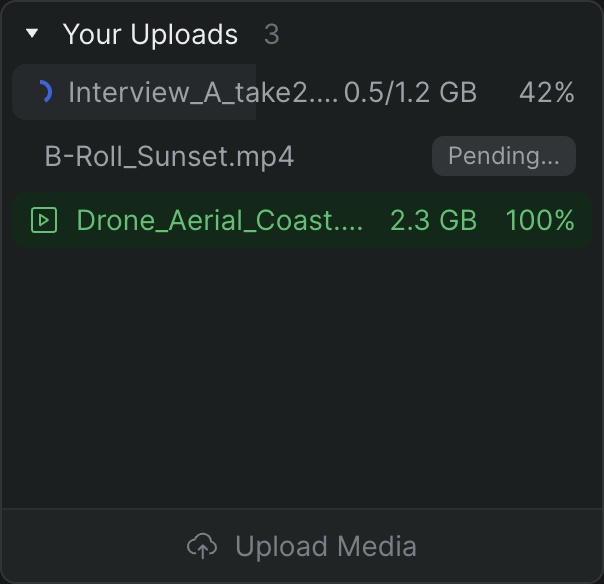
Sequence removes the wait. When you add a file to a project, Sequence keeps two versions of it and tracks each separately: the Original Media, preserved at full quality for finishing, and an Optimized Media version it generates for fast, reliable playback in the browser. Optimizing runs as a background job right after the upload finishes, so a clip can play from its original for a moment before the optimized version is ready — and you keep editing the whole time. No online/offline juggling, no manual proxy pass, no relink step.
What you get#
Cut while it processes
- Optimized Media generates automatically after upload
- No preprocessing pass before you can start
- Full-resolution Original Media is preserved for finishing
- The whole team works from the same optimized versions
Playback built for the browser
- Optimized versions are tuned for streaming and scrubbing
- Responsive playback whether footage is local or remote
- Lighter bandwidth than pulling full-res on every scrub
- Consistent for everyone in the project, in any city
Runs in the background
- Media processing is a server-side background job
- A job is ready the moment it finishes, watched or not
- Track it in the progress queue under Media Processing
- Cancel or retry from the queue if you need to
Status you can see
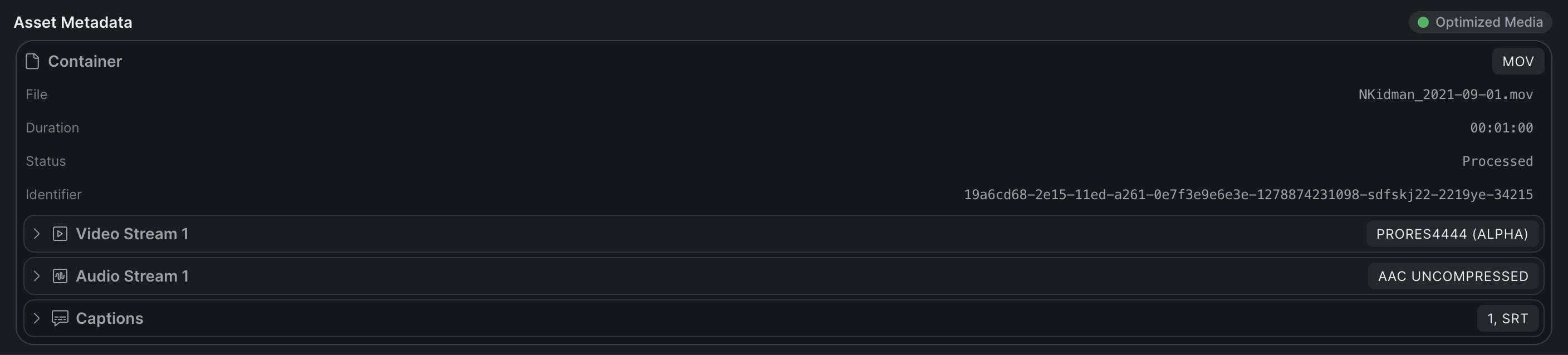
- Each asset shows an Optimized Media indicator with a status dot
- See at a glance whether a clip's optimized version is ready
- Check container, codec, and resolution in the Asset Metadata panel
- No guessing which version you're playing
How it fits your pipeline#
Optimized Media exists so you can start immediately; Original Media exists so finishing gets the real thing. That split is what makes a cloud editor safe for professional work — you cut against a responsive proxy, and the full-quality source is always there underneath.
For the fastest path in, pair proxy media with Shuttle, Sequence's desktop companion for macOS. Shuttle mounts a project as a local drive in Finder and moves large volumes of footage in and out faster and more reliably than the browser — it starts uploading the moment you copy a file onto the mounted drive, and it prioritizes what you're actively watching over background transfers so playback stays smooth. Drop a reel onto the drive, and you can be cutting from optimized media while the full-resolution files are still on their way up.
Who it's for#
- Assistant editors prepping dailies who want footage cuttable on arrival, not after an overnight transcode.
- Editors on high-resolution or camera-original footage who need responsive scrubbing without a manual proxy workflow.
- Distributed teams where every collaborator needs smooth playback of the same media from a different location.
- Post supervisors standardizing ingest so nobody waits on transcodes to start work.